Demo Overview
The demo is a complete card battler built entirely with GCS: 12 scenes, 4 classes, 80 cards, 30 statuses, 16 enemies. Every piece of it is open in the Workbench.
Read this before digging into individual scenes or assets, so you know what exists and where each kind of content lives.The GCS demo is a playable sample and a reference project at the same time. Everything you see in a demo battle (cards, statuses, enemies, encounters, decks, backgrounds, UI) was authored with the same Workbench and FlowGraph tools you get, so any effect you like on screen can be opened and read.
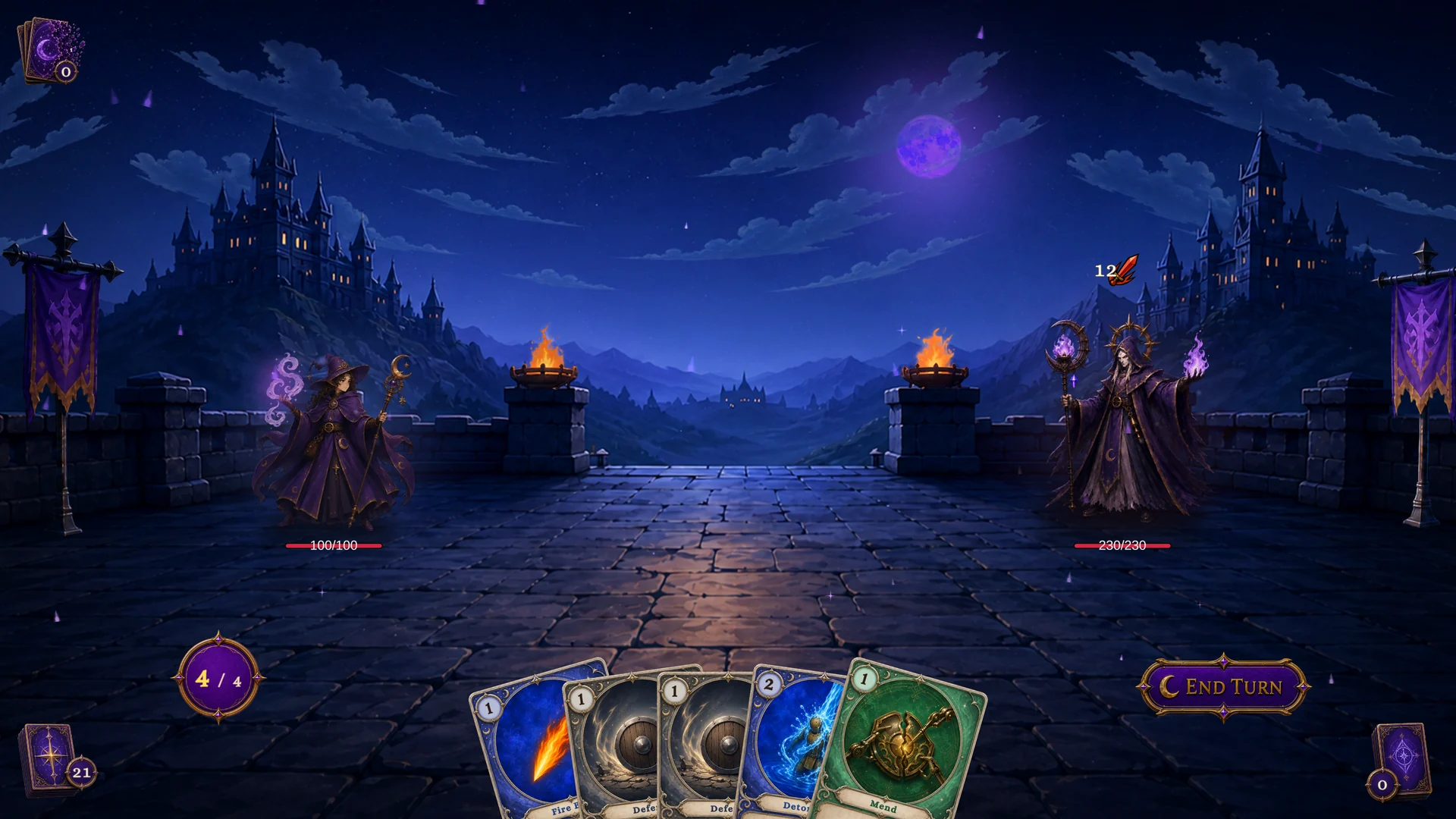
Use the demo in two directions. Play the scenes to feel the runtime loop. Then open the content behind a moment you liked and trace how it was built.
What ships in the demo
| Content | Count | Where to inspect |
|---|---|---|
| Battle scenes | 12 | Demo/Scenes/<Class>/ |
| Encounters | 12 | PresetEncounterDatabase |
| Player units | 12 | PresetPlayerUnitDatabase |
| Enemy units | 16 | PresetEnemyUnitDatabase |
| Decks | 16 | PresetDeckDatabase |
| Cards | 80 | PresetCardDatabase |
| Statuses | 30 | PresetStatusDatabase |
| Preset databases | 6 | Demo/Databases/ |
The four classes are Warrior, Mage, Hunter, and Priest. Each class gets three encounters (Normal, Elite, and Boss), three player-unit tiers with their own starting decks, a four-enemy roster, its own encounter backgrounds, and class-flavored card art. The 16 decks follow the same split: per class, one starting deck for each of the three player-unit tiers, plus one reward deck that all three of that class's encounters draw their post-battle card offers from.
The demo runs on both the Built-in Render Pipeline and URP from one shared asset set, needs Unity 2021.3 or newer, and is compatible with Unity 6.
A sensible first hour
- Open
Tools/TinyGiants/GCS/Game Card Systemand confirm the system is initialized. - In the Project window, open
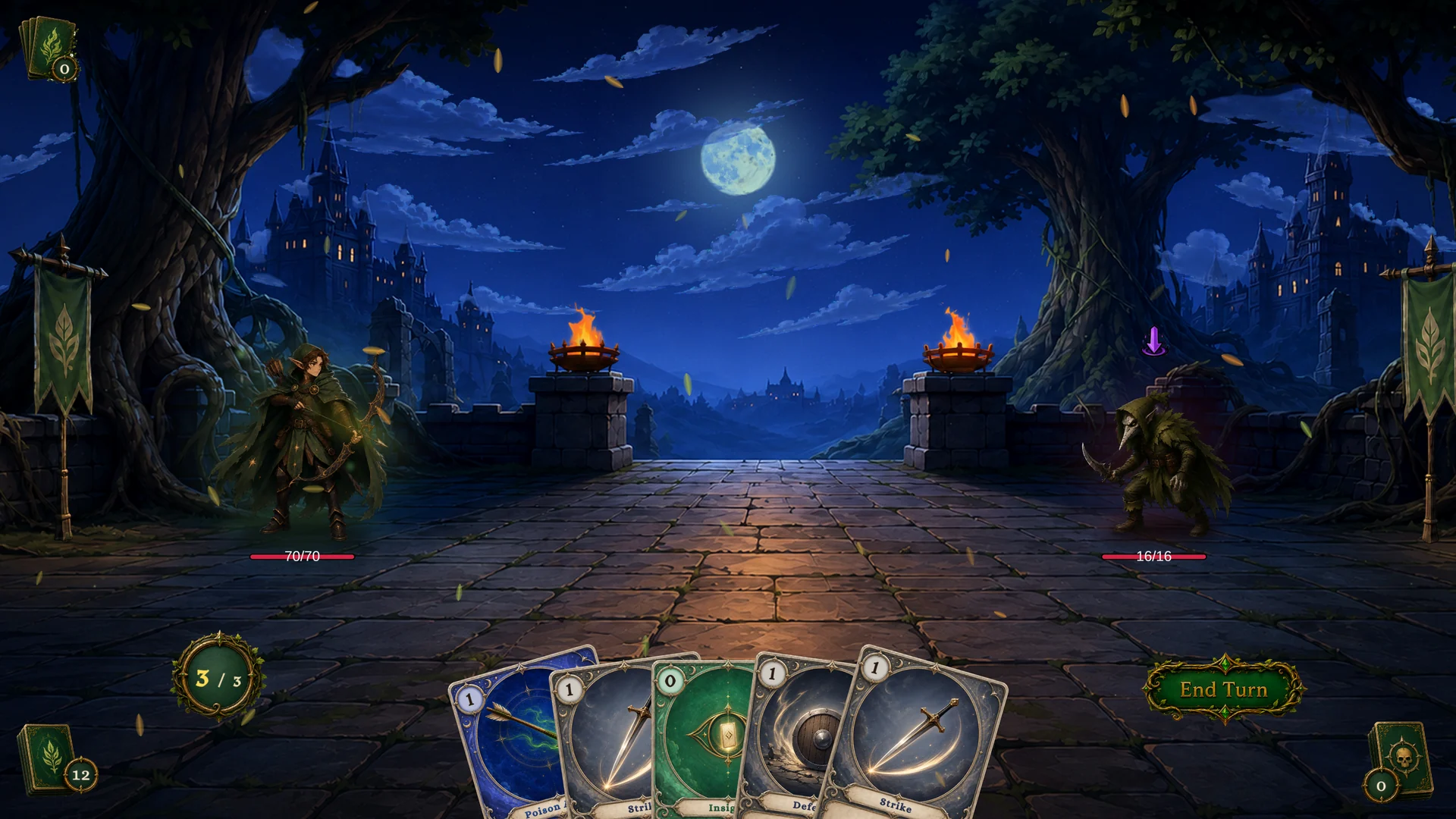
Demo/Scenes/Hunter/1-Fenmoss Hollow.unityand press Play. This is the same fight the First Battle walkthrough uses. - Win or lose, then open
Tools/TinyGiants/GCS/Game Card Editor(the Workbench). - Switch to Encounter mode and select Fenmoss Hollow. You are now looking at the exact data that drove the battle: player unit, enemy lineup, reward deck, and battle rules.
- Jump to Card mode and open a card you played, for example Poison Arrow. Click Edit FlowGraph on its Behavior field and read the effect node by node.
That is the whole learning loop: something happens on screen, and five clicks later you are reading the graph that caused it.
The six preset databases
All demo definitions live in six database assets under Demo/Databases/:
| Database | Owns |
|---|---|
PresetCardDatabase.asset | All 80 demo card definitions. |
PresetDeckDatabase.asset | Starting decks and reward decks. |
PresetEncounterDatabase.asset | The 12 scene-ready encounter definitions. |
PresetEnemyUnitDatabase.asset | Enemy definitions and their behavior graphs. |
PresetPlayerUnitDatabase.asset | Player unit definitions and starting-deck links. |
PresetStatusDatabase.asset | Buff, debuff, and reactive status definitions. |
Demo scenes load from these databases. When you start authoring your own game, create separate project databases instead of editing the presets, so the examples stay intact as a working reference.
What to copy, and what not to
The reusable part of the demo is its structure:
- scene bootstrap structure and UI wiring;
- card, status, and enemy FlowGraph shapes;
- deck composition and encounter rule profiles;
- the content folder layout.
Be careful with the assets themselves. The preset databases carry demo IDs and sample balance, so mixing them into a production database means shipping sample content. Card art, audio, and VFX belong to the demo's art style and may not fit yours. And a duplicated scene usually still points at the preset databases until you rewire it.
When you want a demo effect in your own game, rebuild it: create a fresh definition in your project database, open the demo version side by side, and copy the graph structure across. You keep the pattern without inheriting demo IDs.
Mechanics first, presentation second
When something in a demo scene looks off, separate the two layers before touching data. If cards resolve, energy is spent, enemies act on their intents, and the battle can end, the mechanical setup is healthy. A missing sound or an unpolished effect is a presentation issue, not a broken encounter definition.