Demo Asset Layout
Demo content is sliced by owning object, not by asset kind: a card's art sits next to the card, an enemy's prefab next to the enemy. This page maps the real folder tree.
Use this when adding assets to the demo, or when deciding how to organize content folders in your own project.Everything under Demo/Content/ follows one rule: an asset lives in the folder of the object that owns it. There is no top-level Prefabs/, Audio/, or VFX/ bucket for object-owned assets. When a designer edits a card, a unit, or an encounter, the art, prefab, and effects that belong to it are already in view.
Root folders
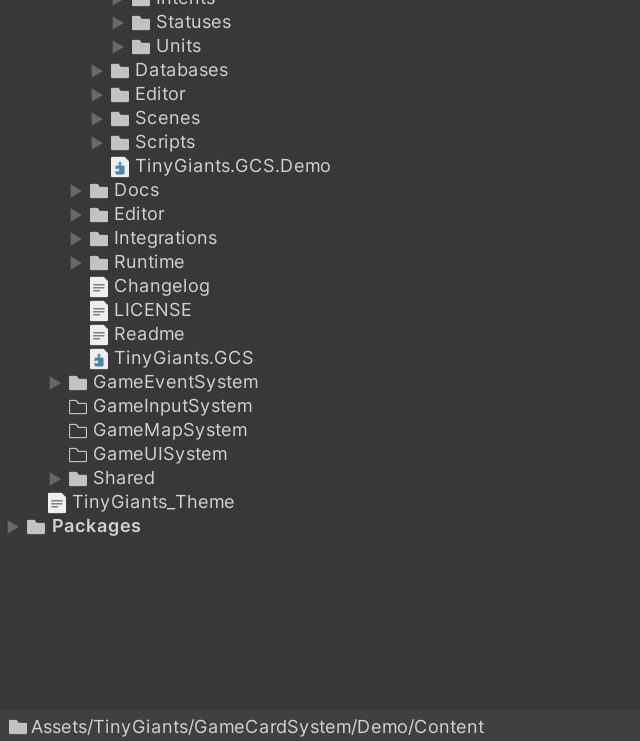
Demo/Content/
|-- Art/          # cross-object shared assets ONLY
|-- Cards/        # card template families + per-card artwork
|-- Decks/        # deck cover icons (Deck_<Class>_Start / _Reward)
|-- Encounters/   # per-class encounter backgrounds and parallax layers
|-- Intents/      # intent icons + intent UI prefabs
|-- Statuses/     # status icons + status UI prefabs
`-- Units/        # enemy and player unit art and prefabs
Cards
Content/Cards/
|-- Basic/
|   |-- Artwork/       # art for every card using this frame (Strike.png, Defend.png, ...)
|   |-- Basic.png      # the frame sprite
|   `-- Basic.prefab   # the card prefab
|-- Burst/
|-- Curse/
|-- Skill/
|-- Support/
`-- CardGlow.png       # shared by the whole card family
The five folders are the card template families. Each one owns its frame sprite, its card prefab, and an Artwork/ folder holding the art of every card rendered with that frame. CardGlow.png sits at the Cards/ root because every card shares it.
If a single card later gets bespoke VFX, audio, or animation, those assets go under the card family that uses them, in a VFX/, Audio/, or Animation/ subfolder. Do not create a Content/VFX/Cards/ bucket.
Units
Content/Units/
|-- Enemy/
|   |-- Enemy_Hunter/
|   |   |-- Enemy_PlagueStalker_Normal/
|   |   |-- Enemy_SporeBrute_Elite/
|   |   |-- Enemy_MireReaper_Boss/
|   |   `-- Enemy_BogPolyp_Summon/
|   |-- Enemy_Mage/
|   |-- Enemy_Priest/
|   `-- Enemy_Warrior/
|-- Player/
|   |-- Hunter/        # Avatar.png + full art + Prefab.prefab
|   |-- Mage/
|   |-- Priest/
|   |-- Warrior/
|   `-- Shine.png      # shared player-side sprite
|-- Prefabs/           # unit-level shared widgets (HpWidget.prefab)
`-- Shadow.png         # shared by all units
Each enemy gets its own folder named Enemy_<Name>_<Tier> inside its class folder, holding that enemy's art and prefab side by side. Player classes each own one folder with the avatar, the full-body art, and the unit prefab. Widgets shared by every unit, such as the HP bar, live in Units/Prefabs/.
Encounters
Content/Encounters/
|-- Hunter/
|   |-- Background.png   # the scene background
|   |-- Layer/           # parallax layers
|   `-- UI/
|-- Mage/
|-- Priest/
`-- Warrior/
Encounter backgrounds and their parallax layers belong to the class folder. The scene files themselves are not content; they live under Demo/Scenes/<Class>/.
Statuses and intents
Content/Statuses/
|-- Prefabs/               # StatusWidget.prefab, StatusIconEntry.prefab
|-- VFX/                   # per-status inflict and expire effect prefabs (25)
`-- Status_<Name>.png      # one icon per status (30 total)

Content/Intents/
|-- Prefabs/             # IntentWidget.prefab, IntentEntry.prefab
`-- Intent_<Kind>.png    # Attack, Buff, Debuff, Defend, Heal, Multi, Special, Unknown
Each status definition points at its icon through the Icon field you set in Workbench Status mode. The statuses with a signature visual keep those effect prefabs in Statuses/VFX/, and their apply / expire presentation is configured directly on the status FlowGraph with Status Apply FX and Status Expire FX nodes. The intent icons match the intent kinds enemies telegraph above their heads, and the two Prefabs/ folders hold the widgets the demo battle UI uses to display both.
Shared art only
Content/Art/ is reserved for assets genuinely shared across multiple owning objects:
Content/Art/
|-- Animations/
|-- Audio/        # GCSMixer.mixer + Bgm, Ambience, Cards, Combat, Intents, Status, Stingers, UI, Voices
|-- Fonts/
|-- Materials/
|-- Prefabs/
|-- Shaders/
|-- Sprites/
`-- VFX/          # shared combat effects
The audio tree is the clearest example of a legitimate shared asset: one mixer and category folders (BGM, ambience, card sounds, combat hits, intent telegraphs, status clips, stingers, UI, enemy voices) that every scene routes through. A single card's signature sound would not belong here; it would go under that card's family folder.
Do not park an object's private asset in Art/ "for now". Once two unrelated things reference a folder, moving assets means touching every reference. Decide the owner first, then place the file.
Where new audio, VFX, and animation go
When a production pass adds final presentation assets, the ownership rule decides the destination:
| The asset belongs to | Put it under |
|---|---|
| One card family | Content/Cards/<Family>/VFX/ (or Audio/, Animation/) |
| One enemy | its Content/Units/Enemy/Enemy_<Class>/Enemy_<Name>_<Tier>/ folder |
| One player class | Content/Units/Player/<Class>/VFX/ (or Audio/, Animation/) |
| One encounter class | Content/Encounters/<Class>/VFX/ (or Audio/, Animation/) |
| Many unrelated objects | Content/Art/VFX/ (or Audio/, Animations/) |
The per-object subfolders are created on demand, the first time such an asset exists. An empty Audio/ folder under every card family would be noise.
Applying the rule to your project
The layout is mandatory for demo content and recommended for yours. To mirror it:
- Decide which object owns the asset before importing it.
- Put the asset in that object's folder, creating the subfolder if needed.
- Reach for a shared folder only when there is genuinely no single owner.
- Keep databases separate from presentation assets.
- Keep demo content and production content in separate roots, so a demo cleanup never touches your game.