Overview
GCS is a Unity framework for card roguelike battles. It covers the full path from content authoring to runtime: ScriptableObject-based Workbench modes for cards and battle content, a built-in FlowGraph system for mechanics, and GCSApi for runtime integration and extension.
GCS can support the battle layer of a full card roguelike, not just a few prototype cards. Battles in the shape of Slay the Spire or Night of Full Moon can be built through the visual Workbench and FlowGraph system without writing card-by-card code. Start here for the full picture.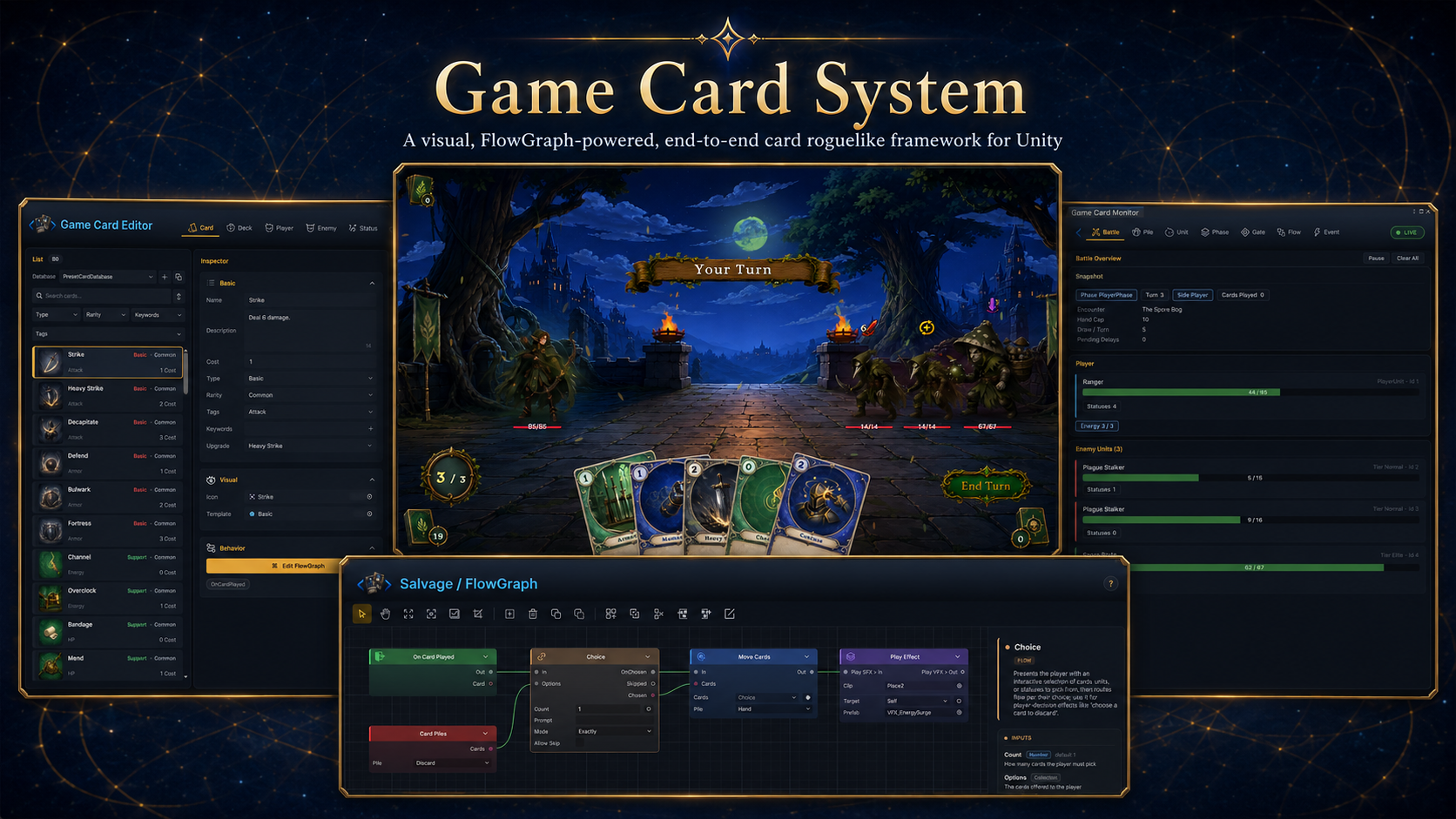
GameCardSystem (GCS) is TinyGiants' visual card roguelike framework for Unity. Workbench provides six ScriptableObject authoring modes for cards, decks, player units, enemies, statuses, and encounters. FlowGraph defines card effects, status rules, enemy intents, and battle mechanics inside that content, so a card author does not need a separate C# class for every card. The framework follows one design rule: content lives in ScriptableObjects, behavior is described by graphs embedded in that content, and code steps in only when the project needs deeper customization.
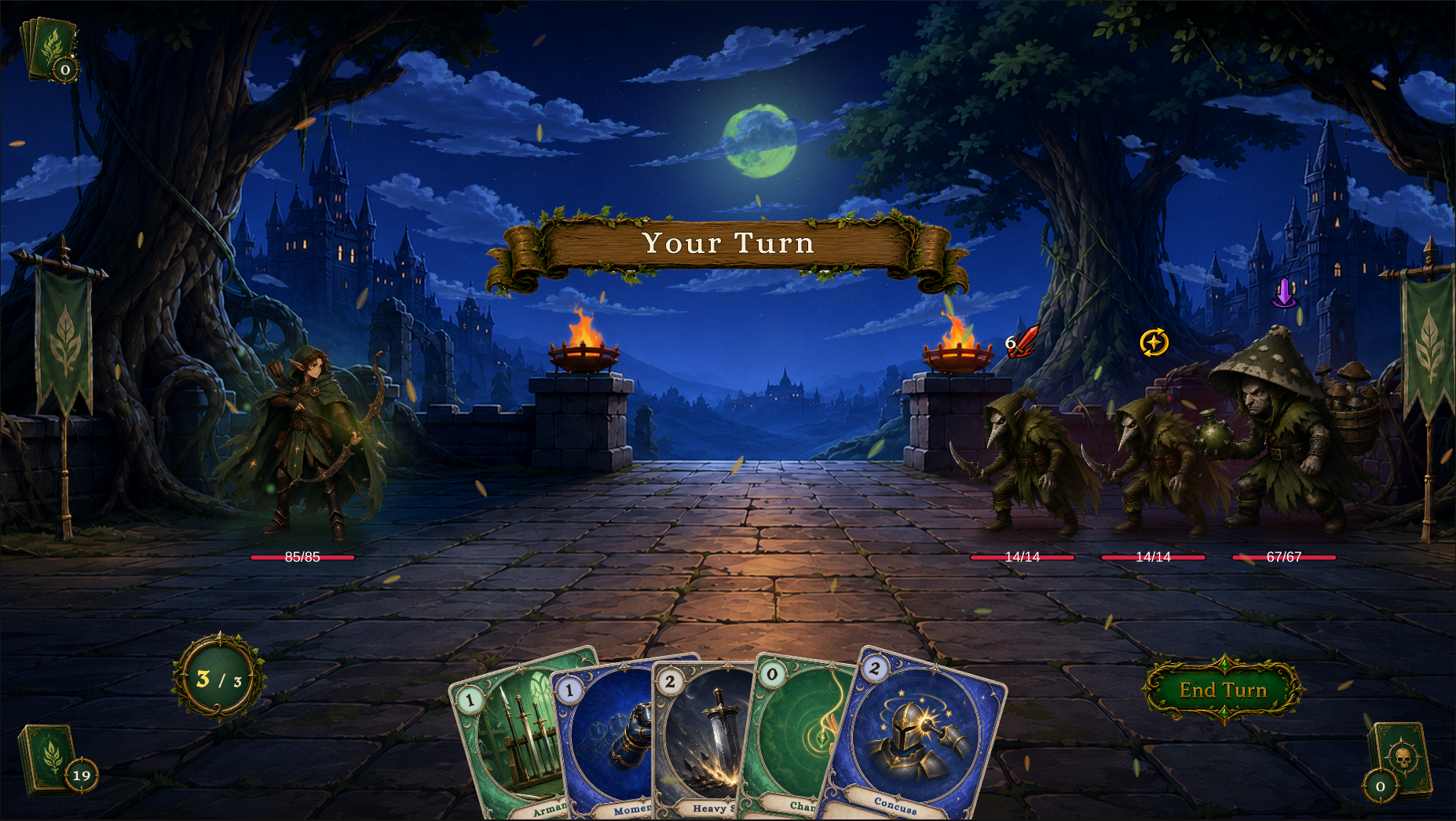
The battle above comes from the shipped demo content. The demo includes 12 playable scenes, 80 cards, 16 decks, 12 player units, 16 enemies, 30 statuses, and 8 intent icons. It is both a first-run experience and a reference implementation: open the matching asset when you want to see how a finished card, status, enemy, or encounter is configured.
Tool Windows
Four editor surfaces cover the full workflow from setup, content editing, and behavior wiring to Play Mode inspection.
| Window | Open from | Job |
|---|---|---|
| Game Card System | Tools/TinyGiants/GCS/Game Card System | Initialize scenes, check environment support, open tools, and jump to demo or custom folders. |
| Game Card Editor | Tools/TinyGiants/GCS/Game Card Editor | The six-mode Workbench where the card roguelike battle content is authored and configured. |
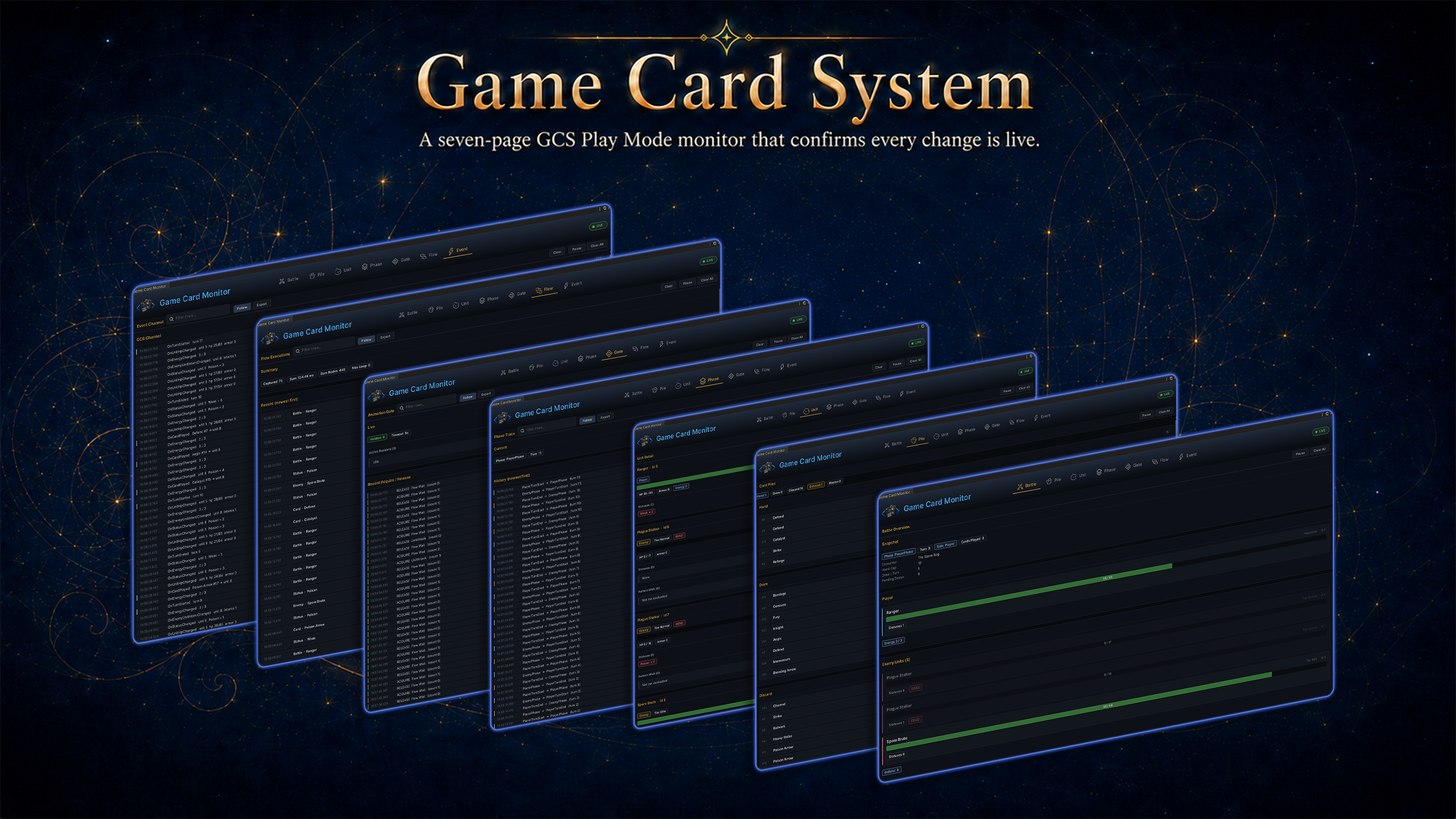
| Game Card Monitor | Tools/TinyGiants/GCS/Game Card Monitor | A live Play Mode inspector for battle state, piles, units, phases, animation gates, flow runs, and events. |
| FlowGraph editor | Edit FlowGraph on a Behavior field | The node editor for card, status, enemy behavior, and reusable group graphs. |
Game Card System
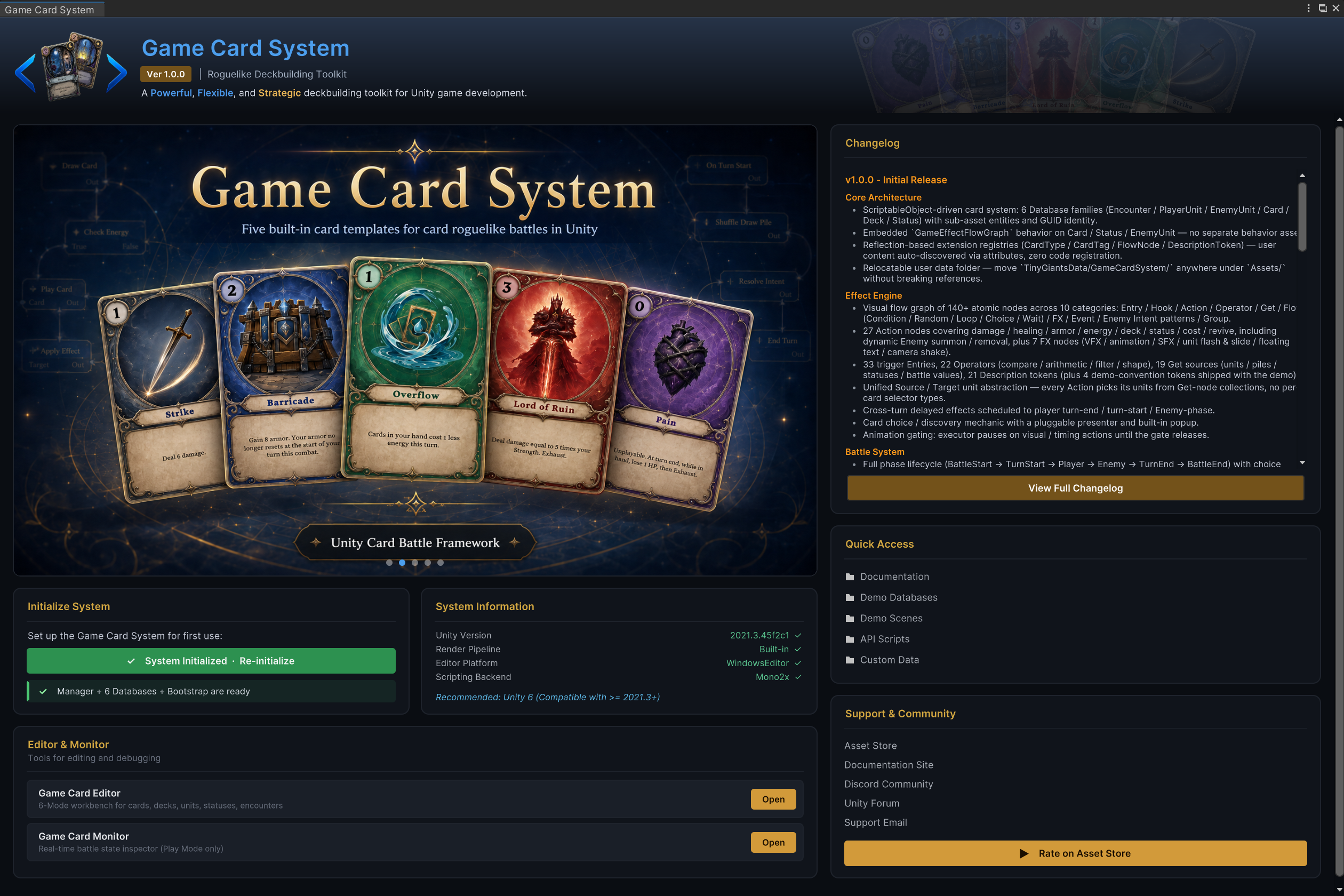
The dashboard is the setup and navigation window. A fresh scene starts here: Initialize System creates the battle-ready scene objects, registers preset databases, and opens the path to the editor and monitor.
Game Card Editor
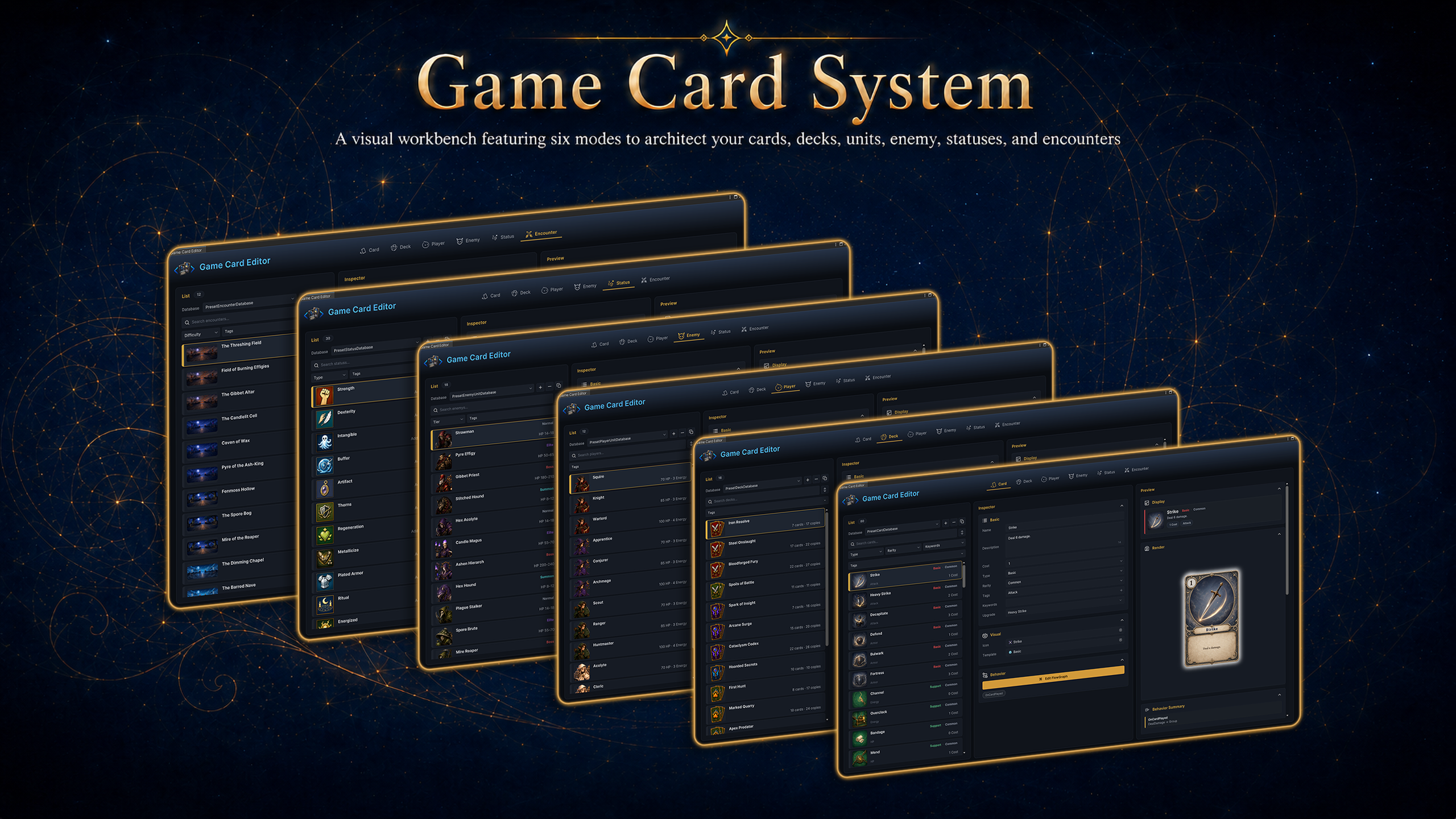
The Workbench is the visual authoring hub. This is where the whole battle content model is created: cards, decks, player units, enemies, statuses, and encounters. The left side picks content, the middle edits fields, and the right side previews the result.
Content Model
GCS content is built from a small set of authorable ScriptableObjects. Databases register those assets as active content for both the Workbench and runtime.
| Content | What the author controls |
|---|---|
| Cards | Cost, type, rarity, target mode, art, text, tags, keywords, and a behavior graph. |
| Decks | Card pools with copy counts for starting decks and reward decks. |
| Player units | HP, energy, starting deck, prefab, icon, and class tags. |
| Enemies | HP range, tier, prefab, intent behavior, and an enemy behavior graph. |
| Statuses | Buff/debuff identity, stack rule, decay rule, icon, and a status behavior graph. |
| Encounters | A complete battle: player unit, enemy lineup, reward deck, and battle rules. |
| Databases | Active libraries that make cards, decks, units, statuses, and encounters available. |
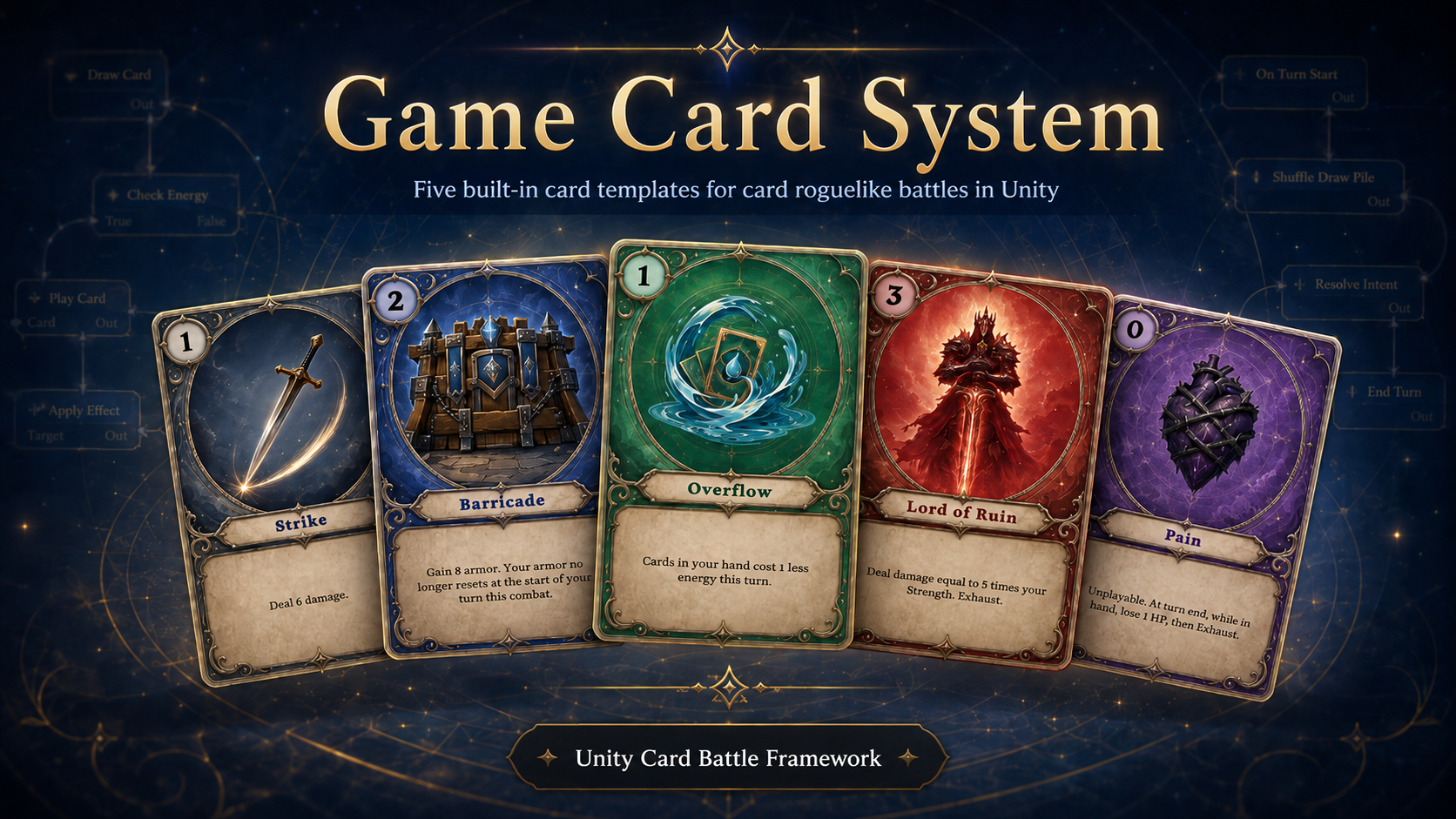
Cards are the main authored action. The preset content ships with 80 cards across five broad card types and four rarity levels, enough to show attacks, skills, bursts, support effects, curses, cost changes, multi-hit cards, status application, card generation, and deck manipulation.
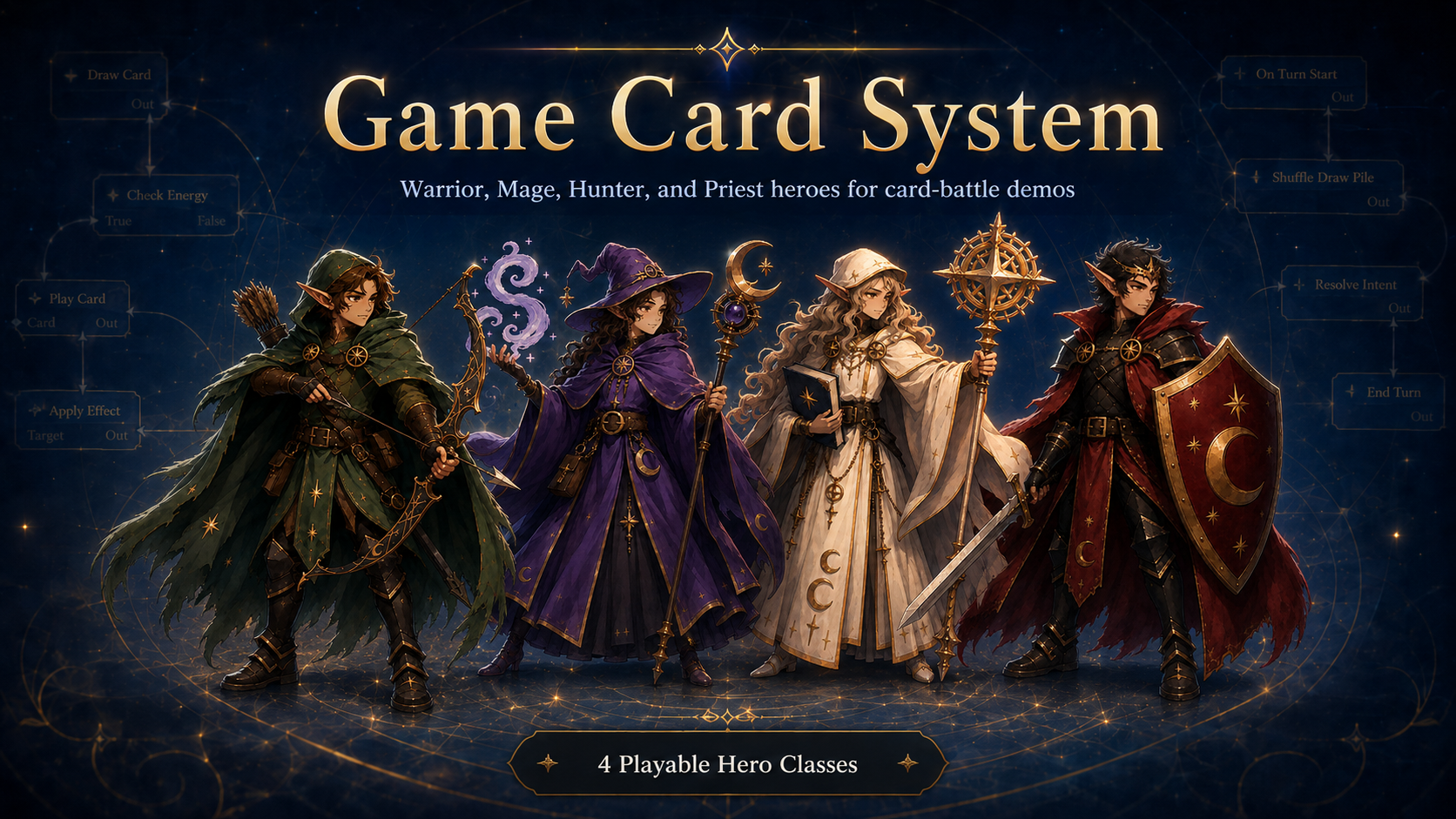
Player units define the controlled character: HP, energy display, starting deck, class tag, prefab, and preview art. The demo includes four class lines: Warrior, Mage, Hunter, and Priest.
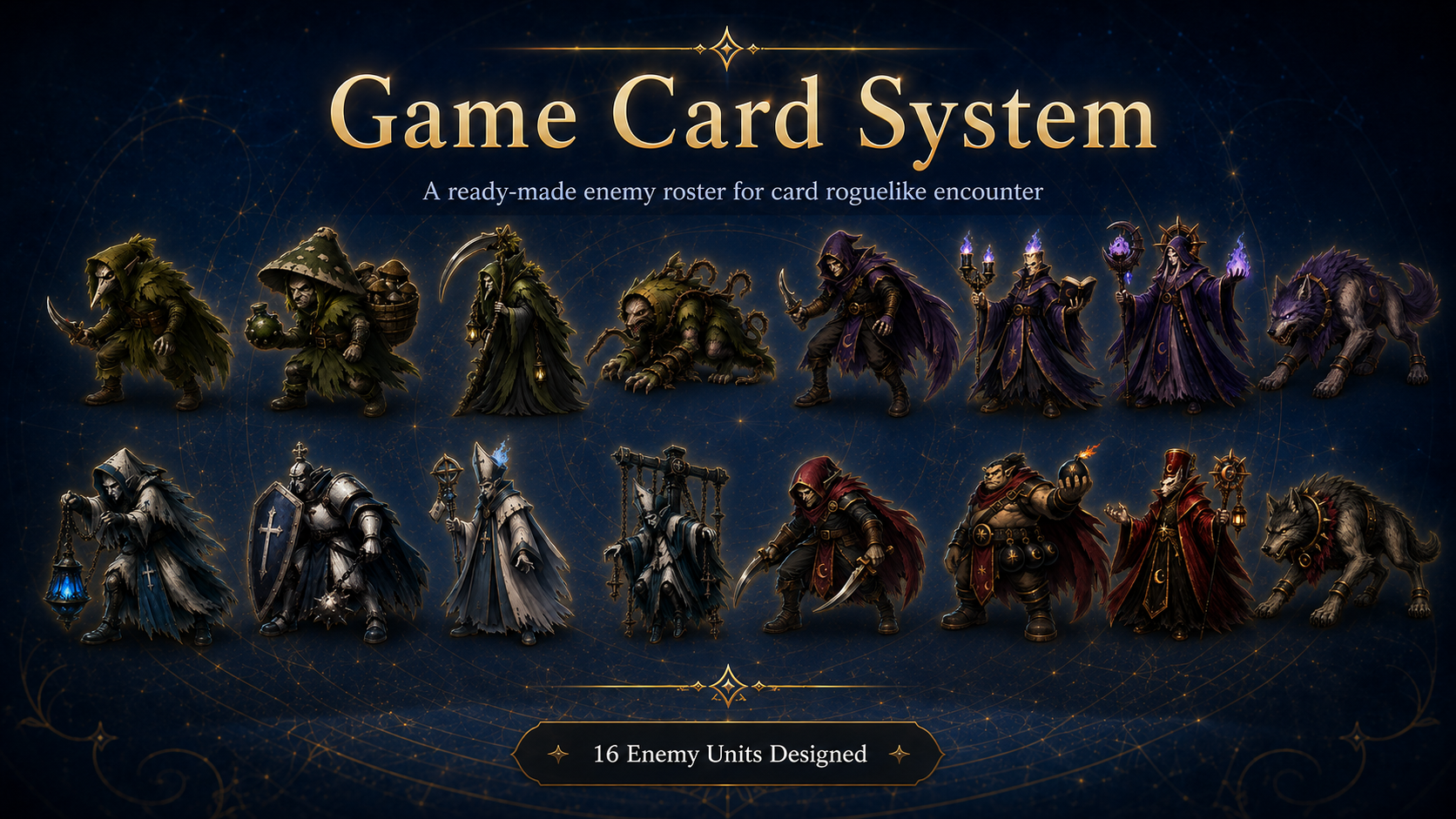
Enemies define the other side of the battle. The 16 shipped enemies cover normal, elite, boss, and summon roles, each driven by an intent behavior graph rather than hard-coded AI.
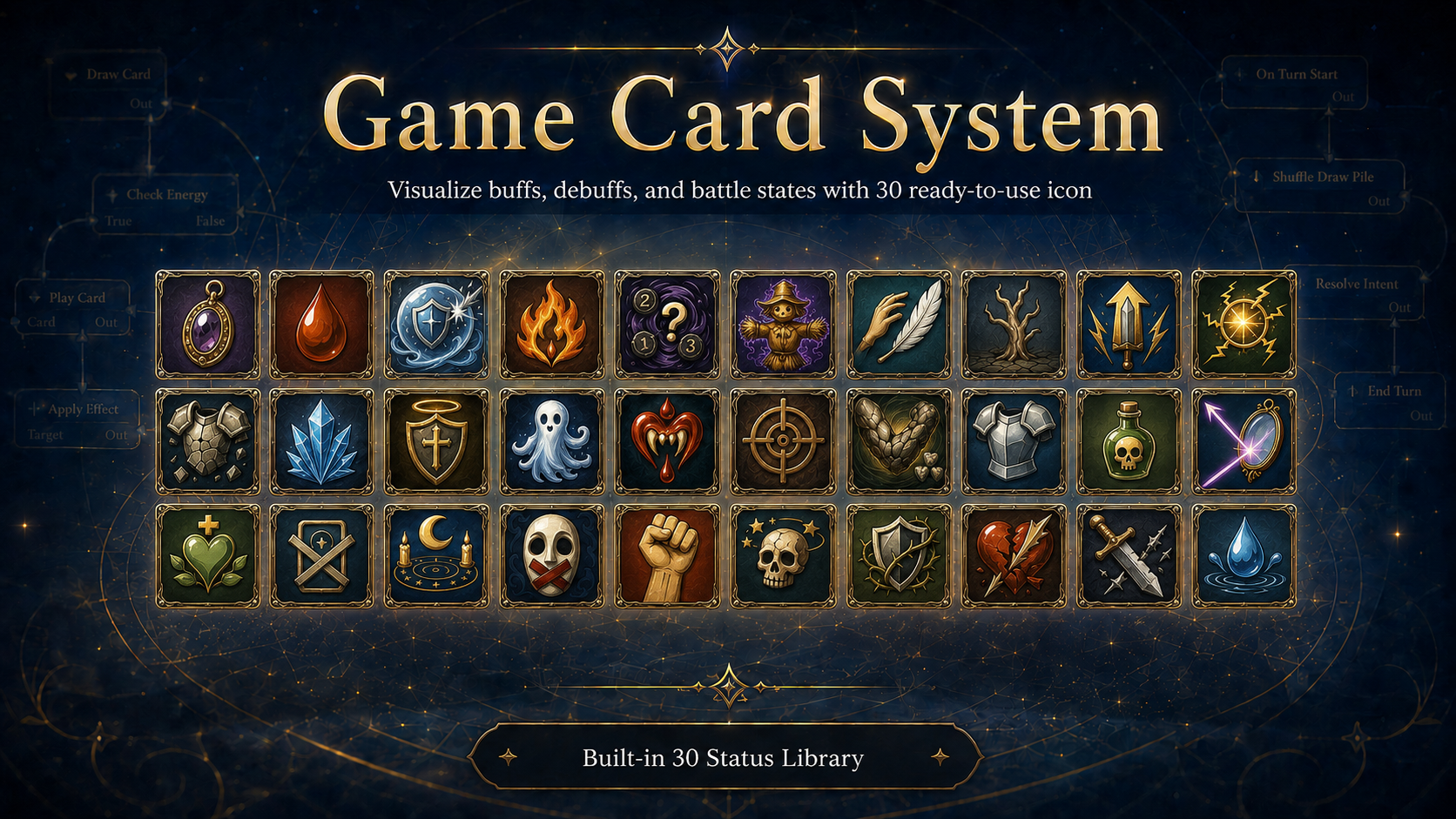
Statuses model buffs, debuffs, counters, and rule modifiers. The 30 shipped statuses cover damage-over-time, shields, strength/dexterity-style modifiers, control states, reactive damage, regeneration, and hook-based rule changes.
Game Card Monitor
The Monitor is the live battle inspector. It shows the current battle snapshot, card piles, units, phase history, animation gate holders, flow execution records, and raised events. When a card behaves differently from what you expected, this is where you inspect what the runtime actually did.
FlowGraph
FlowGraph is the behavior authoring layer. GCS uses three functional behavior graph types: card behavior, status behavior, and enemy intent behavior. It also supports reusable group graphs, where any number of nodes can be grouped into a subgraph and nested across multiple levels.
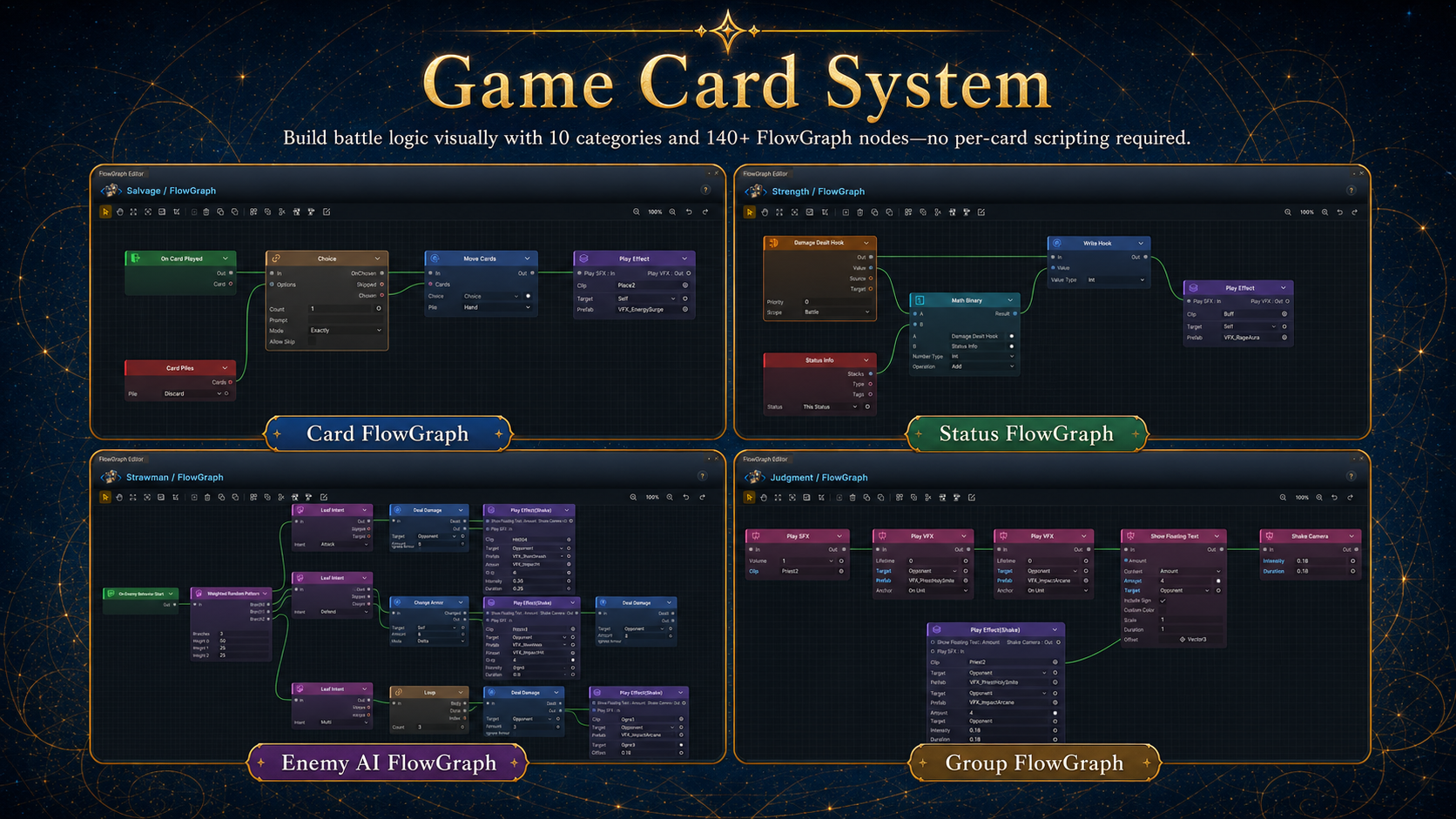
The built-in node set covers more than 140 nodes across entries, actions, selectors, operators, flow control, intent patterns, hooks, events, and presentation. In practical card-game terms, that means the visual system can express the common mechanics expected from full deckbuilders:
| Mechanic family | Examples GCS can express visually |
|---|---|
| Damage and defense | Single-target damage, area damage, multi-hit attacks, armor gain/loss, bypass armor, kill, revive, delayed damage. |
| Cards and piles | Draw, discard, exhaust, retain-style flows, shuffle, move cards between piles, add generated cards, transform cards, upgrade cards, remove cards. |
| Cost and energy | Gain/spend energy, temporary cost changes, card-specific cost rules, energy-per-turn hooks, playable-card hooks. |
| Status systems | Poison/burn-style ticks, strength/dexterity-style stat changes, shields, thorns, regeneration, control statuses, stack caps, stack decay. |
| Conditional logic | HP thresholds, status checks, card/pile checks, variables, event arguments, math, comparison, branching, switching, filtering, sorting. |
| Randomness and choices | Random targets, random cards, weighted enemy patterns, player choice branches, generated collections, shuffled collections. |
| Enemy behavior | Sequenced intents, weighted random intents, HP-threshold phase changes, once-per-battle moves, every-N-turn specials, summoned units. |
| Reactions and hooks | Modify incoming/outgoing damage, armor, healing, status application, draw count, hand size, card cost, and card playability. |
| Events and integrations | Raise internal events, listen to custom events, optionally bridge to GameEventSystem when GES is installed. |
| Presentation | VFX, SFX, floating text, unit slides, flashes, camera shake, animation wait gates, and visual feedback blocks. |
Runtime and API
At runtime, GameCardManager owns active databases and starts battles. A battle initializes once, then moves through player turn start, player phase, player turn end, and enemy phase until it reaches victory or defeat. Cards move through draw, hand, discard, and exhaust piles; the run master deck persists across battles and rewards.
GCS provides 147 runtime APIs through GCSApi. They cover battle control, live state queries, battle mutation, content discovery, run-deck management, event subscriptions, and extension registries.
| Surface | Members | What it enables |
|---|---|---|
| Manager and battle lifecycle | 13 | Check readiness, start or dispose battles, play cards, finish turns, and resolve rewards. |
| Live battle state and queries | 31 | Read phases, units, HP, armor, intents, piles, card costs, statuses, and formatted descriptions. |
| Battle mutation | 24 | Deal damage, change HP/armor/energy, draw and move cards, apply statuses, summon enemies, and store battle variables. |
| Content discovery and run deck | 24 | Enumerate active databases and authored content, find assets by GUID, and manage the persistent master deck. |
| Events | 44 | Subscribe to generic events or use typed shortcuts for turns, cards, damage, armor, energy, statuses, piles, rewards, choices, and phases. |
| Extension registries | 4 | Discover FlowGraph node types, card types, card tags, and description tokens. |
using TinyGiants.GCS.Runtime;

GCSApi.StartBattle(encounter);
bool played = GCSApi.TryPlayCard(card, target);
GCSApi.EndPlayerTurn();
See the GCSApi reference for signatures, parameters, return values, and runtime requirements.
Requirements
GCS supports Unity 2021.3 or newer and is compatible with Unity 6. The demo content runs on both the Built-in Render Pipeline and URP from one shared asset set. The runtime has zero third-party dependencies.
Optional GES Bridge
GCS can bridge to TinyGiants GameEventSystem when GES is present in the project. The bridge is optional and stays inert unless the GES runtime is detected and the integration define is enabled. Use it when a broader project event architecture should raise or listen to GCS battle events. See Optional GES Integration.