Demo content reference
Find a shipped card, deck, status, unit, or encounter and trace it to the isolated Demo database set that owns it
Single-character and party Demos each use six database types, inspect their content in Game Card Editor
Tools > TinyGiants > GCS > Game Card Editor
Switch to the matching mode and select an entry. Inspector shows the complete definition, while Preview shows its static result and references
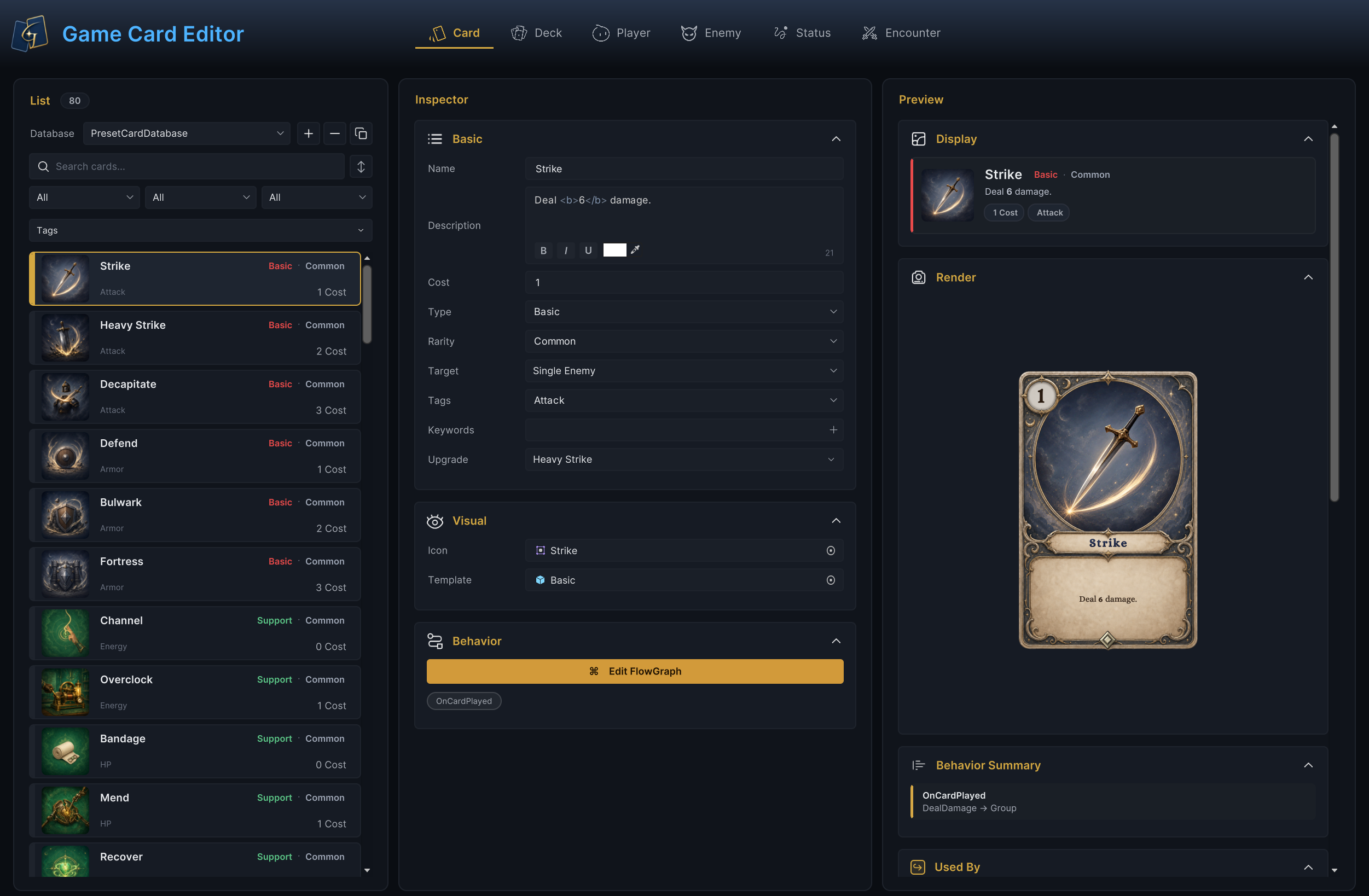
Card mode above reads the enabled card database, single-character scenes use the preset set and Party Showcase uses the party set, switch modes to find decks, players, enemies, statuses, and encounters in the same way
Databases
| Directory | Database names | Scope |
|---|---|---|
Databases/Single-Character/ | PresetCardDatabase, PresetDeckDatabase, PresetStatusDatabase, PresetEnemyUnitDatabase, PresetPlayerUnitDatabase, PresetEncounterDatabase | Original four-class content |
Databases/Multi-Character/ | PartyCardDatabase, PartyDeckDatabase, PartyStatusDatabase, PartyEnemyUnitDatabase, PartyPlayerUnitDatabase, PartyEncounterDatabase | One focused Party Showcase battle |
Cards
The card roster combines neutral basics with four class sets; search these names in Card mode:
| Set | Example cards |
|---|---|
| Hunter | Quick Shot, Poison Arrow, Bleeding Arrow, Rapid Fire, Hunter's Mark, Volley, Dead Eye, Perfect Shot |
| Warrior | Slash, Shield Bash, Rally, Iron Wall, Demon Form |
| Mage | Fire Bolt, Frost Shard, Meteor Strike, Arcane Nova |
| Priest | Judgment, Holy Strike, Sanctuary, Apotheosis |
| Party | Field Mend, Interpose, Shared Resolve, Emergency Aid |
| Neutral basics | Strike, Defend, Insight, Bandage, Discover, Echo |
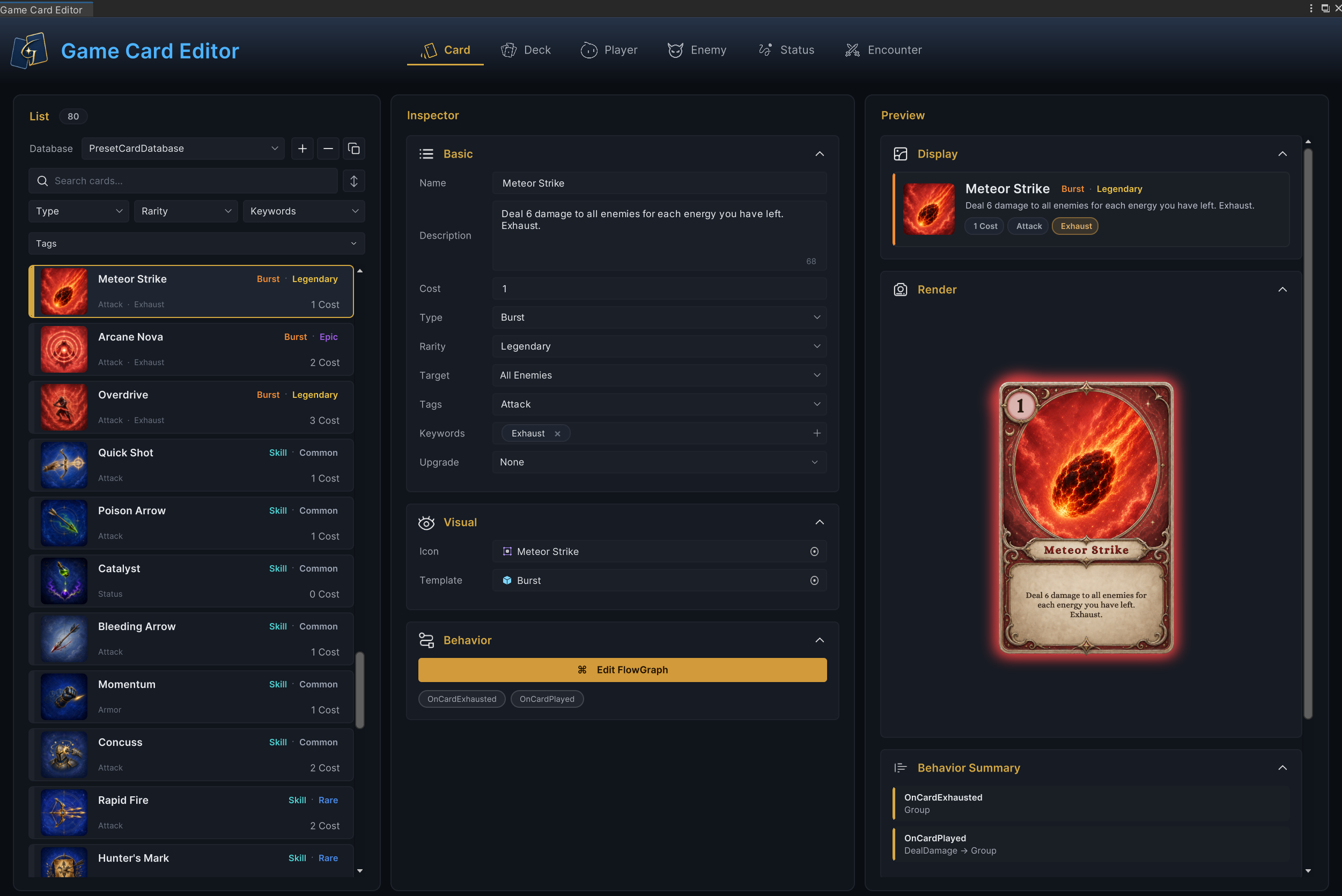
The list above locates a Demo card. Inspector and Preview then verify its cost, type, rarity, description, and Behavior. Related visuals live under Content/Cards/, organized into five template families: Basic, Skill, Support, Burst, and Curse. Each folder contains its frame sprite, card Prefab, and Artwork/
Poison Arrow and Rapid Fire are good first reads: their graphs are documented step by step in the FlowGraph window page, and each runs about a dozen nodes
Decks
Each class has four decks in the single-character database set, three starting decks for its player tiers and one reward deck
Party Tactics contains eight cards, two copies each of Strike and Defend and one copy of each ally-targeting card, Party Showcase creates shared piles from this deck on Player Unit 1, Scout
| Class | Starting decks (tier order) | Reward deck |
|---|---|---|
| Warrior | Iron Resolve, Steel Onslaught, Bloodforged Fury | Spoils of Battle |
| Mage | Spark of Insight, Arcane Surge, Cataclysm Codex | Hoarded Secrets |
| Hunter | First Hunt, Marked Quarry, Apex Predator | Wild Harvest |
| Priest | Quiet Devotion, Sacred Rites, Divine Ascension | Blessed Offerings |
| Party | Scout supplies Party Tactics to the three-member shared pool | Party Tactics |
Read the deck first to identify the cards available at battle start, then inspect those card definitions for their costs and behavior graphs
Statuses
The status roster covers common card-game patterns, grouped by what they do:
| Pattern | Statuses |
|---|---|
| Damage over time and pressure | Burn, Bleed, Poison, Thorns |
| Debuff and control | Vulnerable, Weak, Frail, Stunned, Silence, Restricted, Frozen, Confused |
| Defense and sustain | Plated Armor, Holy Shield, Buffer, Metallicize, Regeneration, Intangible, Lifesteal |
| Scaling and resources | Strength, Dexterity, Empower, Energized, Artifact, Reflect, Marked, Ritual |
| Special state | Curse, Wet, Drained |
Open any status in Game Card Editor Status mode to inspect its stacking rule, decay rule, Tags, and Behavior. Poison has a small graph, and its damage and stack decay are directly visible in a Hunter battle
Units and encounters
Player units come in three tiers per class, each linked to its starting deck from the table above:
| Class | Player units (Normal / Elite / Boss scene) |
|---|---|
| Warrior | Squire, Knight, Warlord |
| Mage | Apprentice, Conjurer, Archmage |
| Hunter | Scout, Ranger, Huntmaster |
| Priest | Acolyte, Cleric, Hierophant |
| Party | Scout, Squire, Apprentice |
The enemy roster is also four per class, tiered Normal, Elite, Boss, and Summon:
| Class | Normal | Elite | Boss | Summon |
|---|---|---|---|---|
| Warrior | Strawman | Pyre Effigy | Gibbet Priest | Stitched Hound |
| Mage | Hex Acolyte | Candle Magus | Ashen Hierarch | Hex Hound |
| Hunter | Plague Stalker | Spore Brute | Mire Reaper | Bog Polyp |
| Priest | Lantern Sister | Order Knight | Gilded Bishop | Stringed Squire |
Summon-tier enemies do not appear in the opening Encounter lineup. They join battle through Spawn Unit nodes in other enemy Behaviors
An encounter binds all of this together: name, description, difficulty, icon, player unit, enemy lineup, reward deck, tags, and a battle-rule block
The The Threshing Field example below is Warrior Normal. It uses Squire at 70 HP and 3 Energy against Strawman at 14 to 18 HP, draws rewards from Spoils of Battle, starts with 5 cards, draws 5 per turn, caps the hand at 10, offers 3 reward choices, resets Armor at turn start, and discards the hand at turn end
The diagram above places The Threshing Field, its player, enemy, reward deck, and battle rules in one reference chain. Every Demo scene maps to a same-name Encounter, which assigns the player unit, enemy lineup, reward deck, and battle rules
Reuse a graph or rule block
Open the preset that contains the required mechanic, inspect its fields and FlowGraph, then rebuild that structure in project-owned content. Reuse only the part that carries the rule, such as a card's node order, a status decay pattern, an enemy Intent structure, or an Encounter battle-rule block
Keep preset entries out of production databases so that sample IDs, balance values, reward pools, and scene references do not ship with the game