Demo battle scenes
Open any playable battle: four classes provide Normal, Elite, and Boss encounters, while Party Showcase verifies a three-member party
Assets/TinyGiants/GameCardSystem/Demo/Scenes/Single-Character/<Class>/<n>-<Name>.unity
Assets/TinyGiants/GameCardSystem/Demo/Scenes/Multi-Character/Party Showcase.unity
Scene prefixes 1, 2, and 3 correspond to Normal, Elite, and Boss, the 12 single-character scenes display one player slot by default, BattleBoard expands the second and third slots under Player Area when members join, Party Showcase saves all three slots
The Play Mode captures below map each scene file to its player unit and enemy lineup, making it possible to locate a battle directly by class and difficulty
Warrior
Normal · The Threshing Field
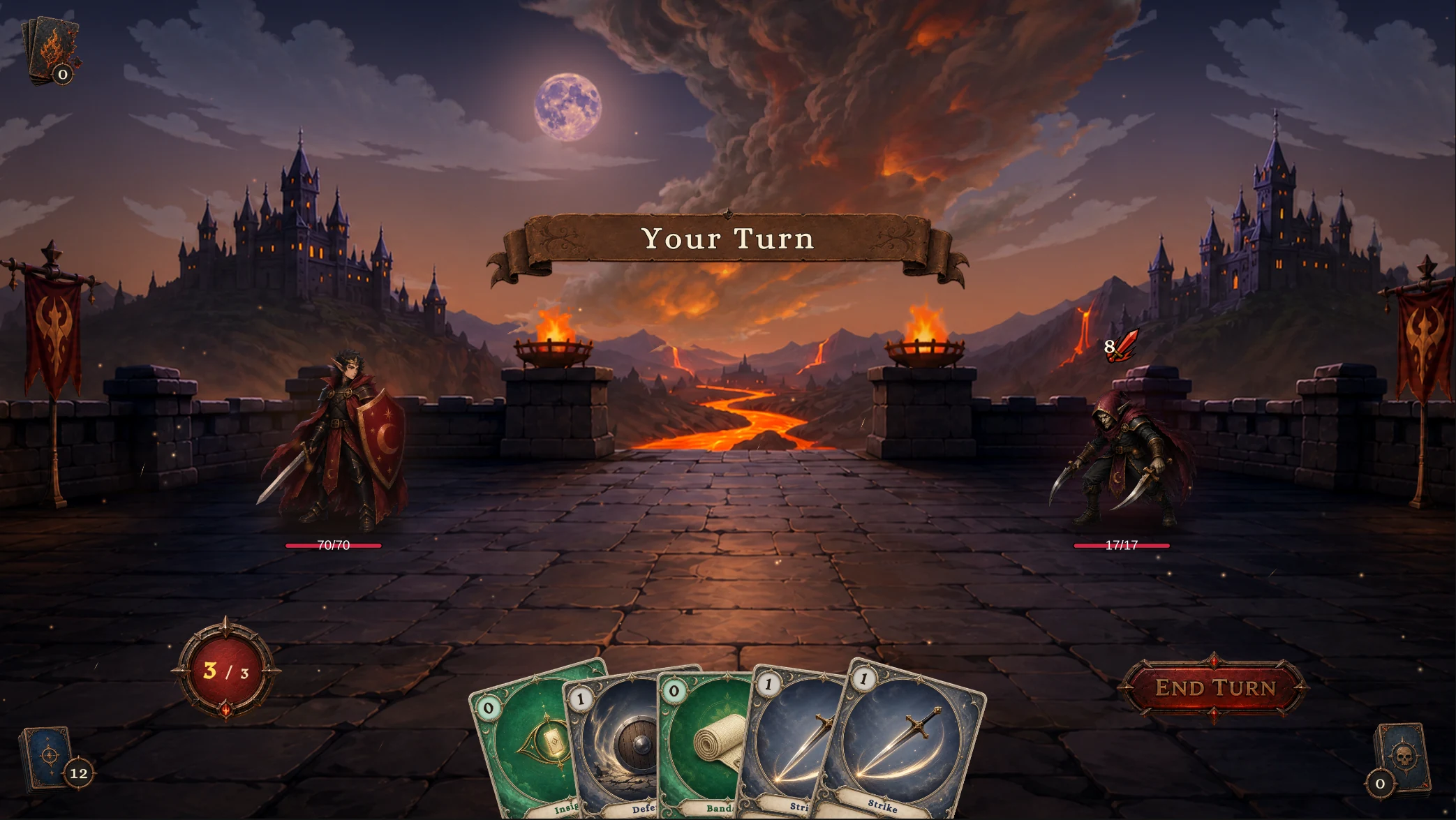
1-The Threshing Field
Squire vs Strawman
Elite · Field of Burning Effigies
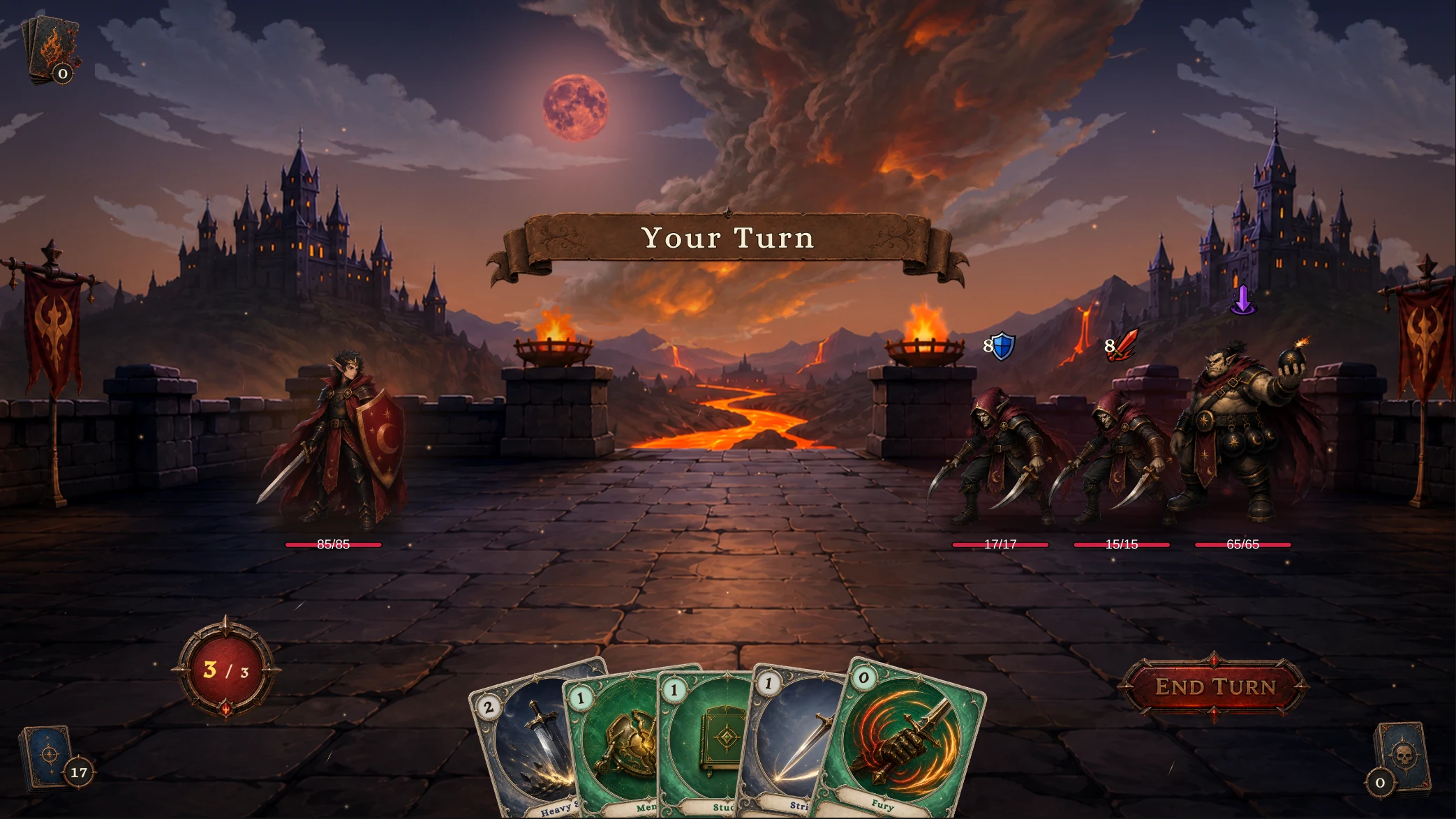
2-Field of Burning Effigies
Knight vs Strawman ×2, Pyre Effigy
Boss · The Gibbet Altar
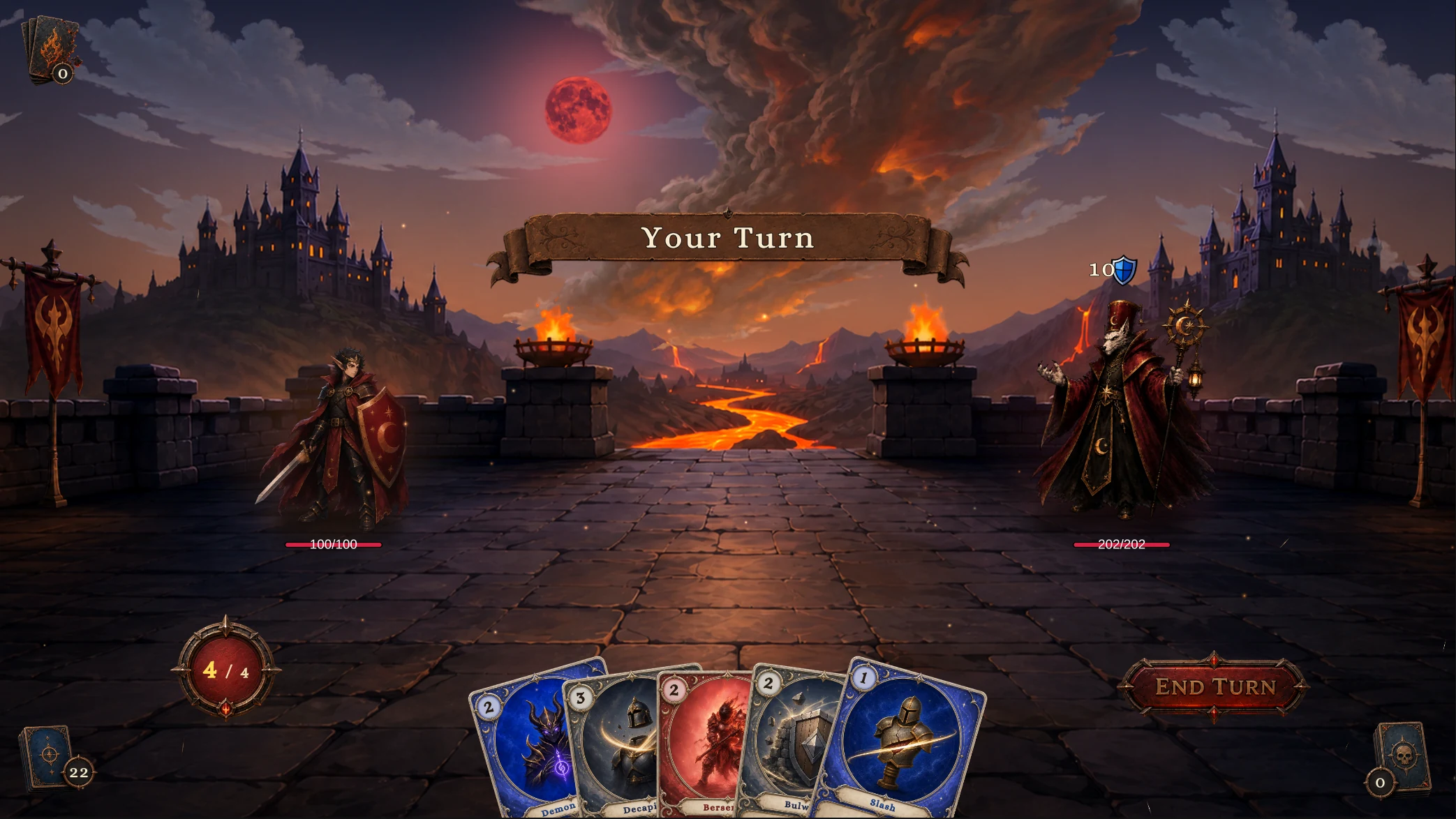
3-The Gibbet Altar
Warlord vs Gibbet Priest
Mage
Normal · The Candlelit Cell
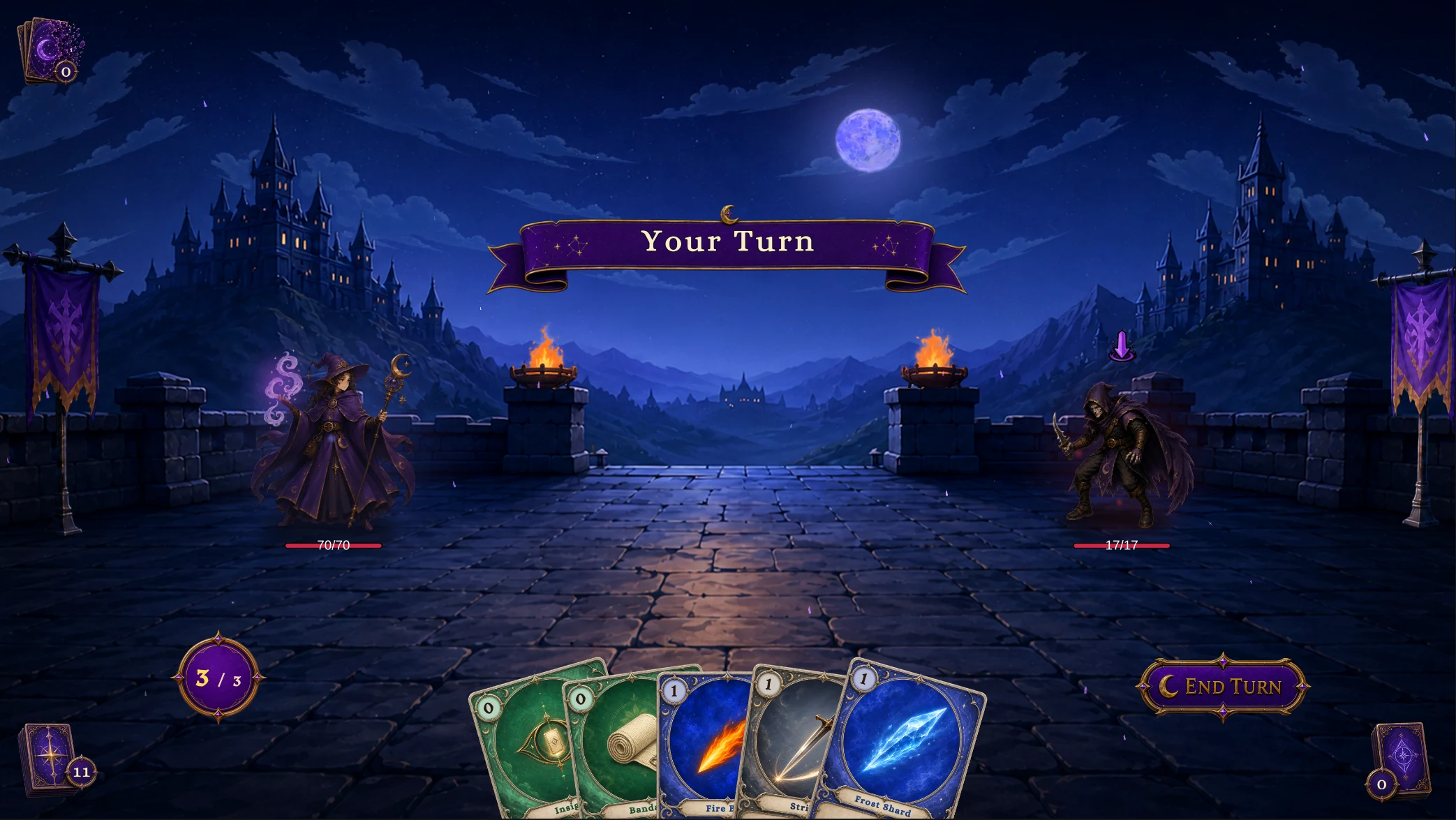
1-The Candlelit Cell
Apprentice vs Hex Acolyte
Elite · Coven of Wax
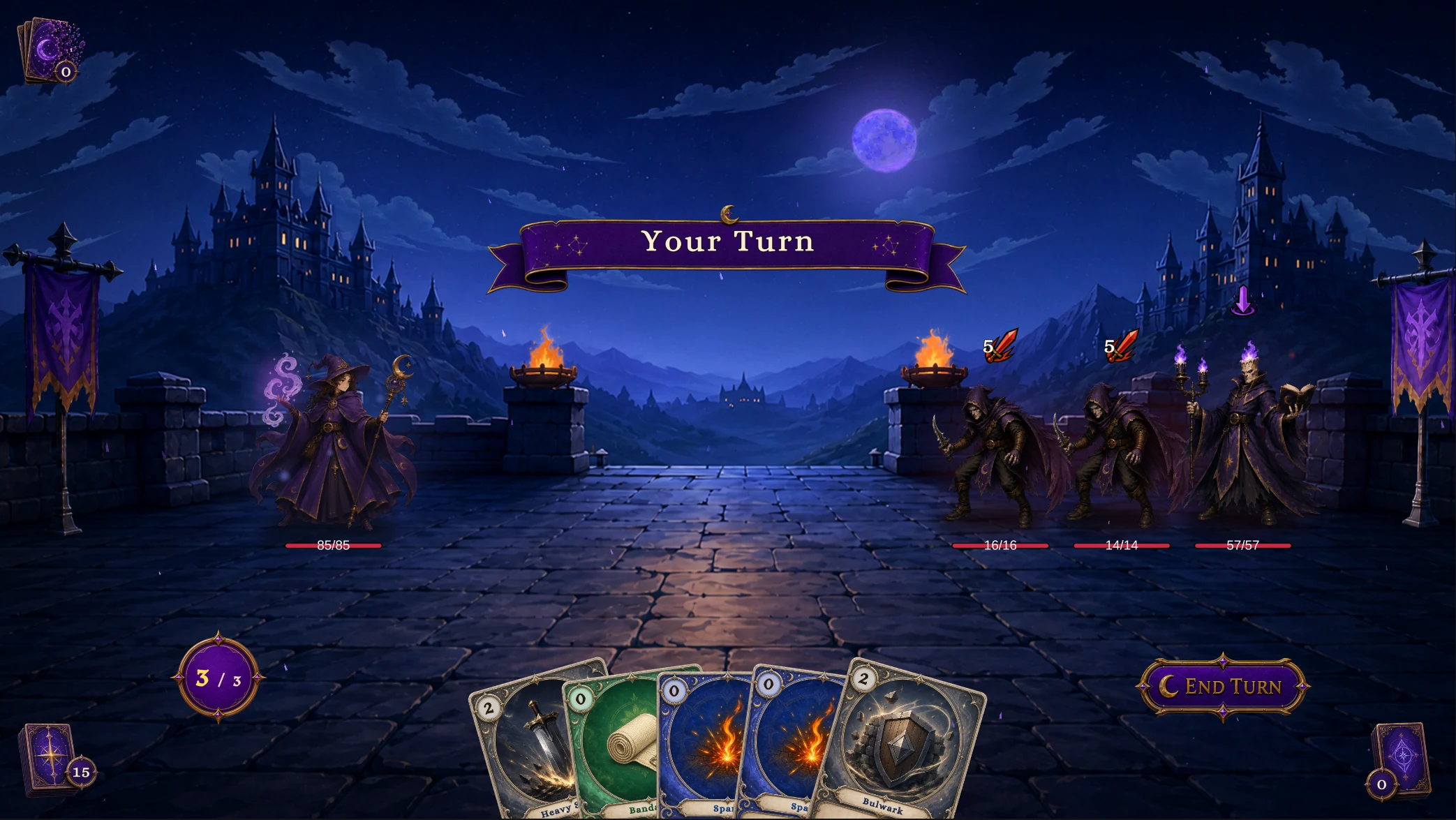
2-Coven of Wax
Conjurer vs Hex Acolyte ×2, Candle Magus
Boss · Pyre of the Ash-King
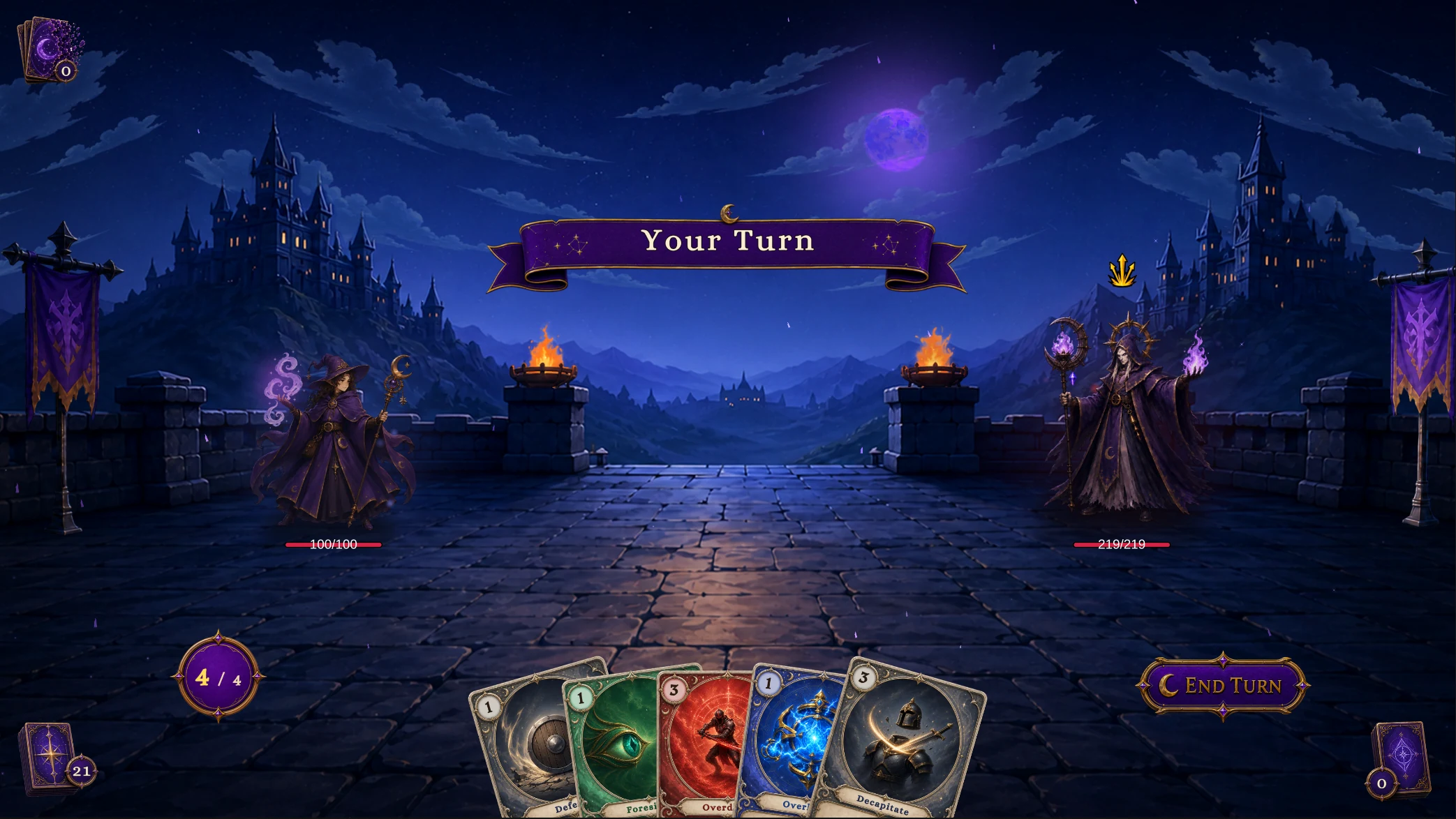
3-Pyre of the Ash-King
Archmage vs Ashen Hierarch
Hunter
Normal · Fenmoss Hollow
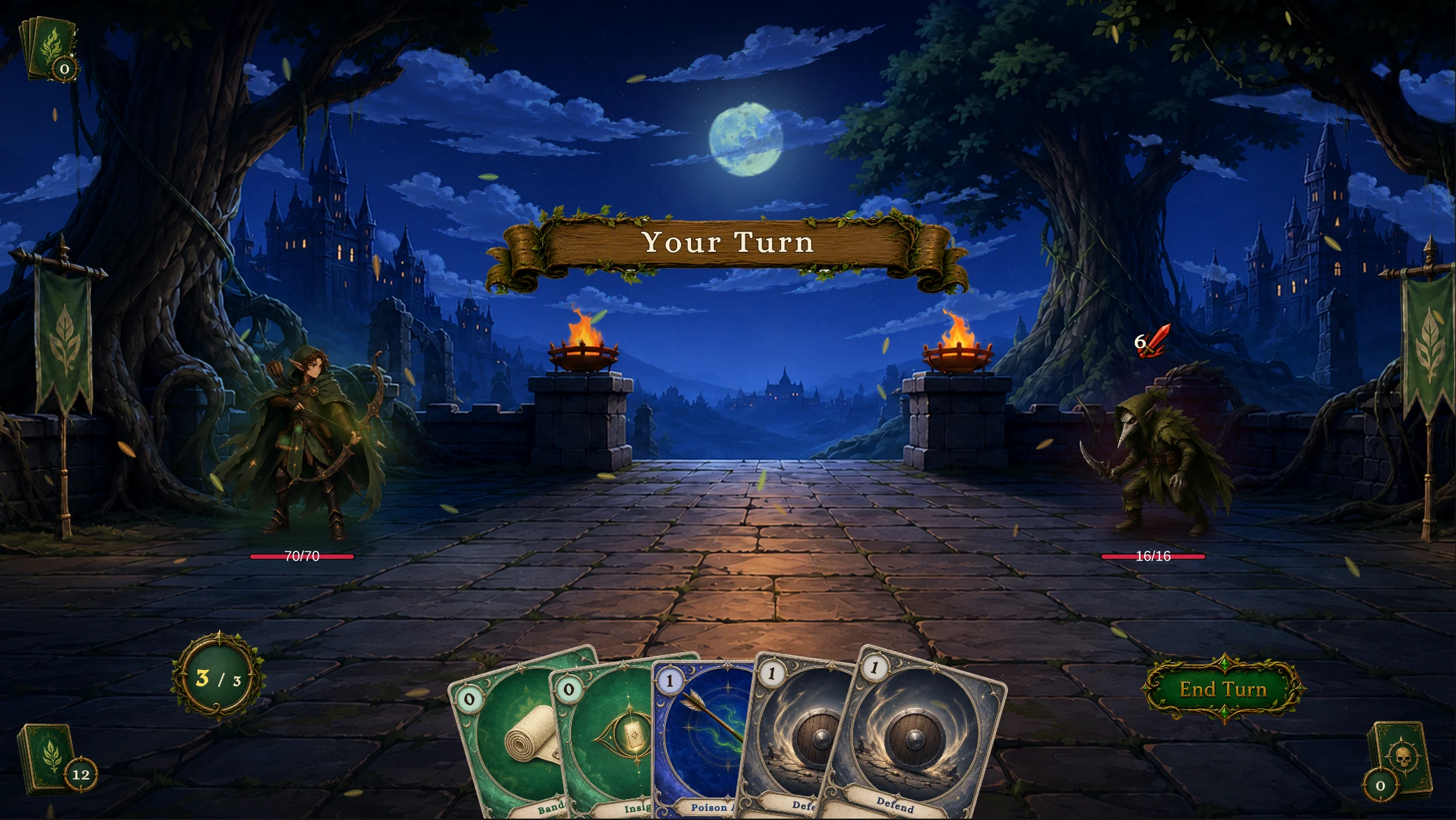
1-Fenmoss Hollow
Scout vs Plague Stalker
Elite · The Spore Bog
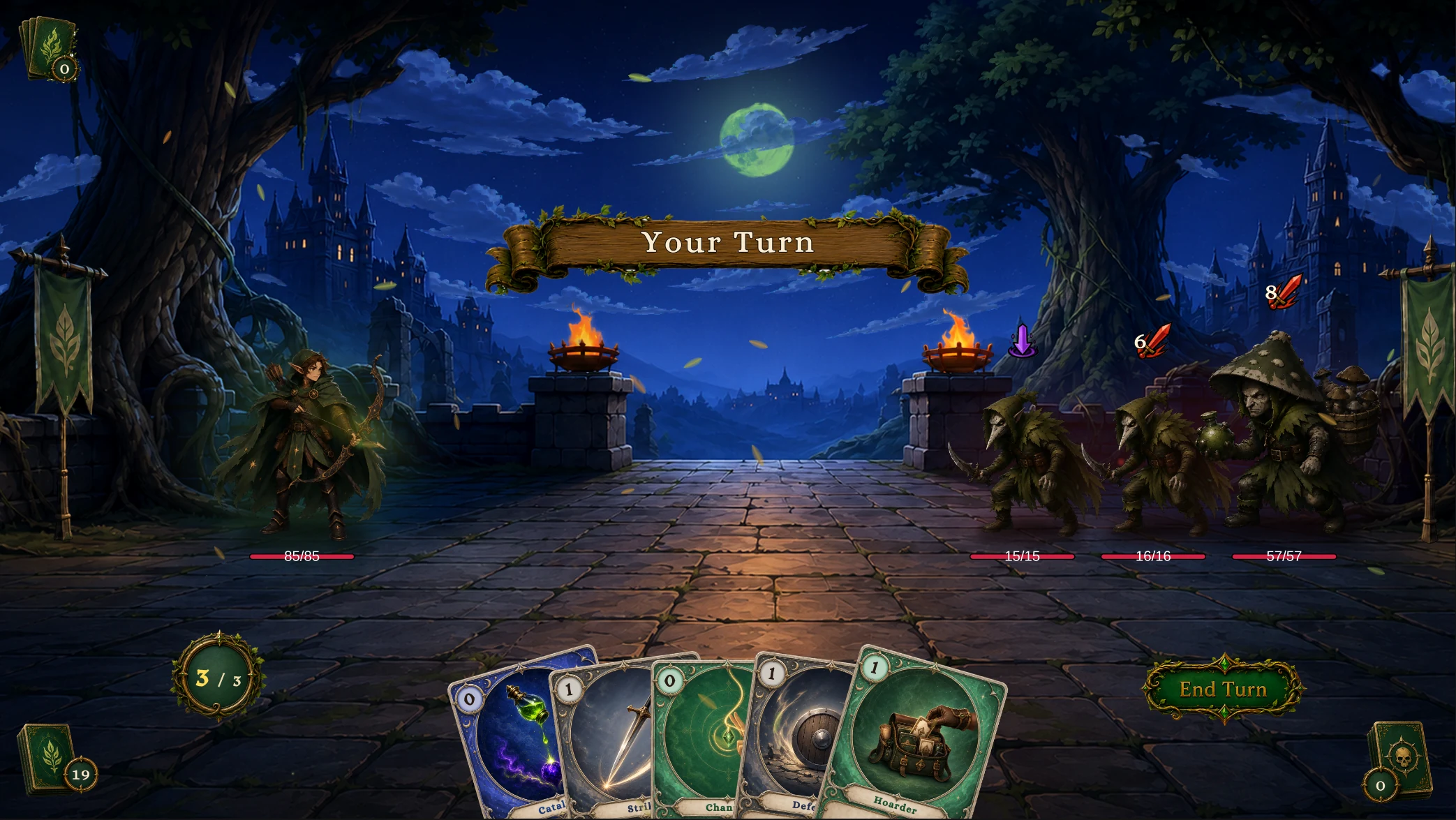
2-The Spore Bog
Ranger vs Plague Stalker ×2, Spore Brute
Boss · Mire of the Reaper
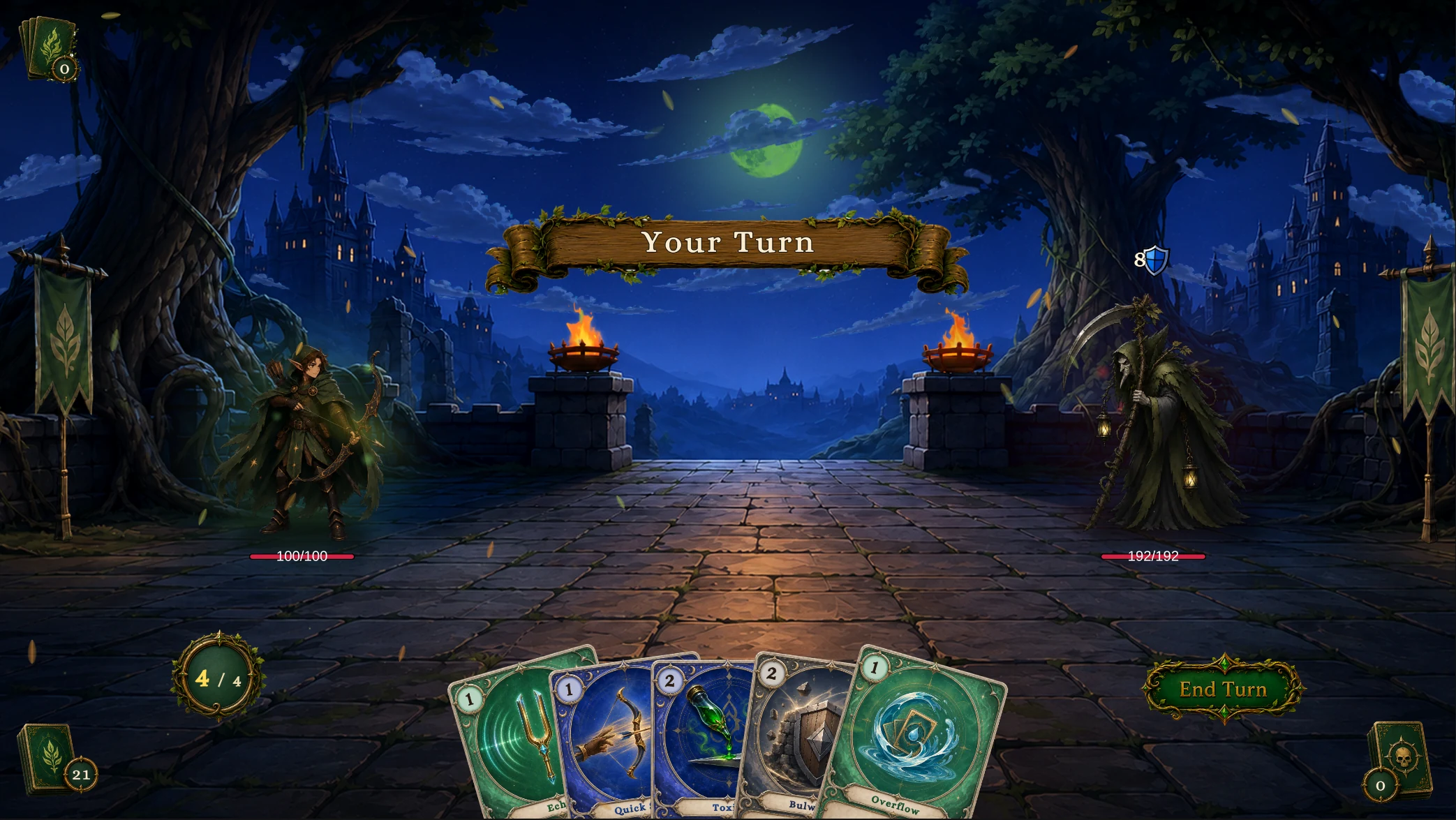
3-Mire of the Reaper
Huntmaster vs Mire Reaper
Priest
Normal · The Dimming Chapel
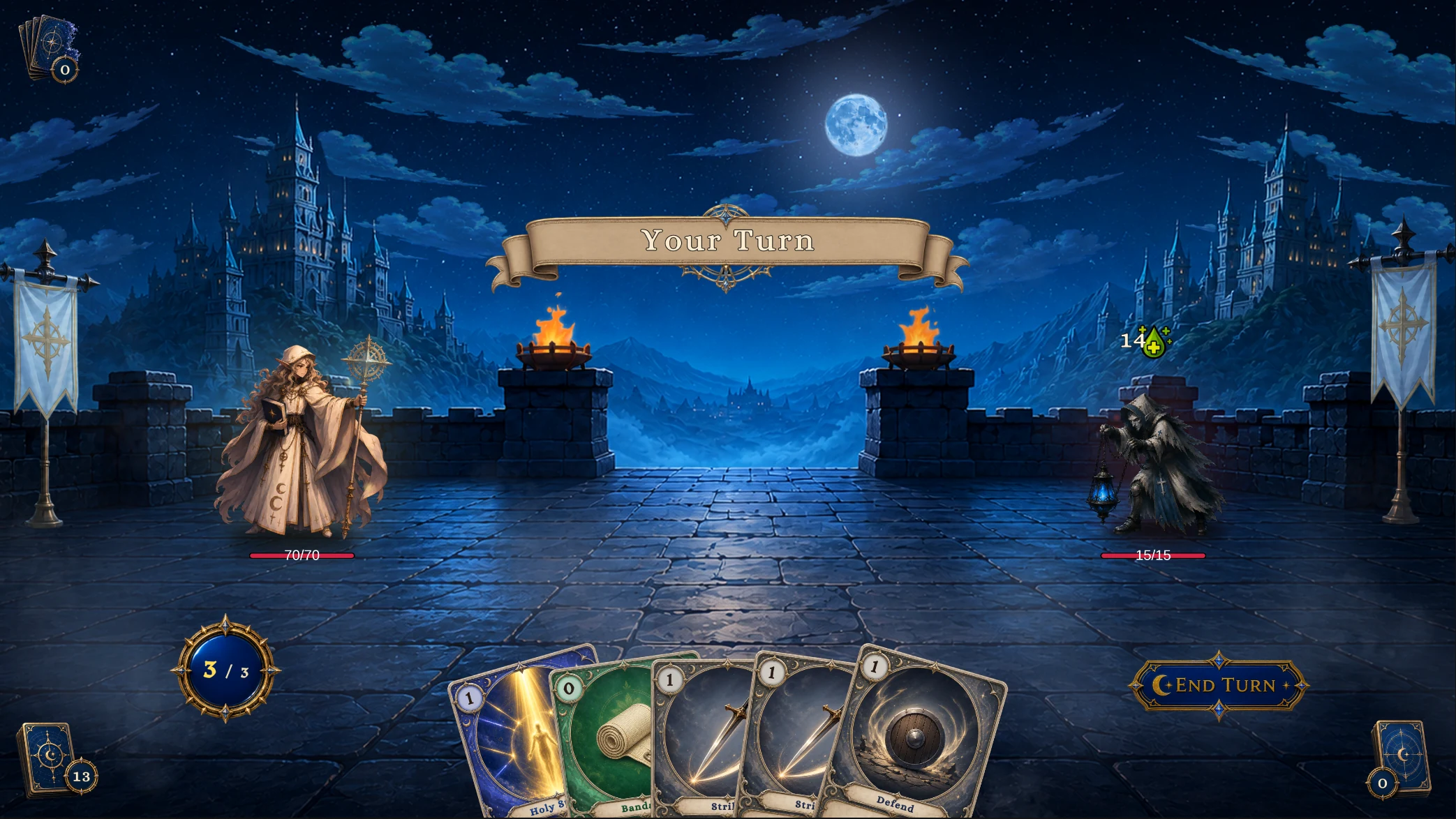
1-The Dimming Chapel
Acolyte vs Lantern Sister
Elite · The Barred Nave
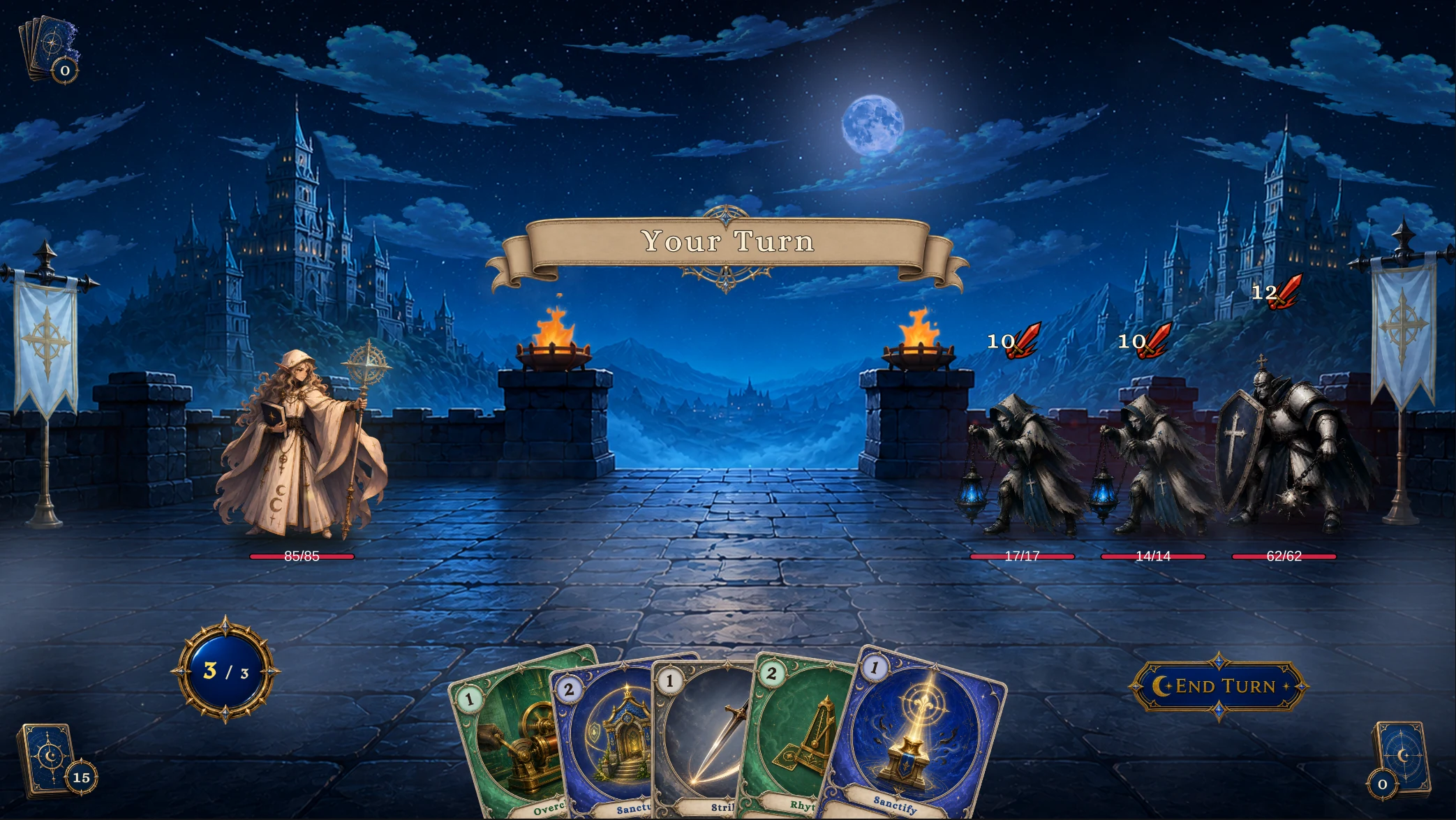
2-The Barred Nave
Cleric vs Lantern Sister ×2, Order Knight
Boss · Cathedral of Strings
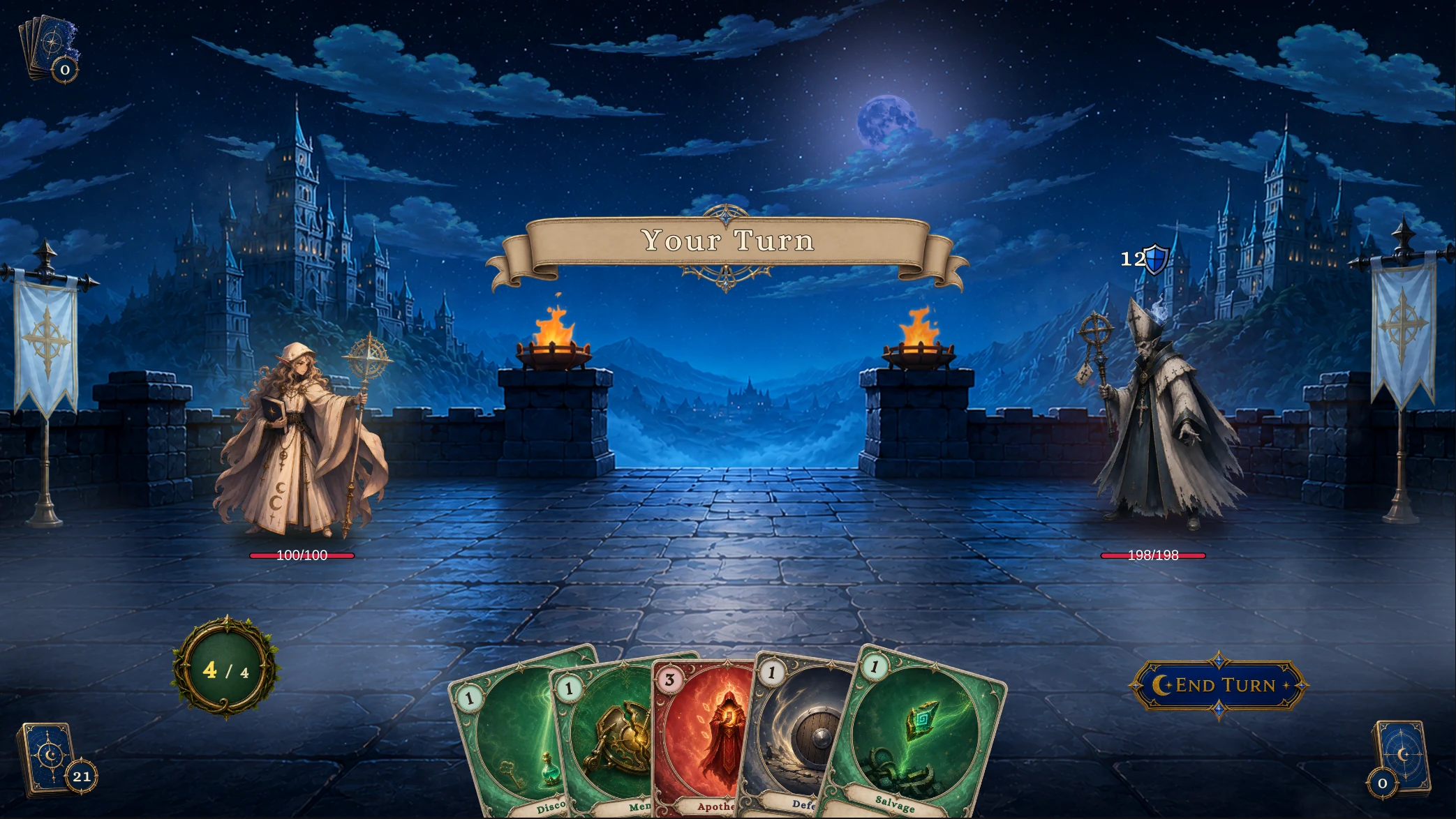
3-Cathedral of Strings
Hierophant vs Gilded Bishop
Party Showcase
Multi-Character/Party Showcase.unity uses the Hunter Fenmoss Hollow scene, with Scout, Squire, and Apprentice in slots 0, 1, and 2 against Normal Plague Stalker, Elite Spore Brute, and Boss Mire Reaper
Player Unit 1, Scout, supplies Party Tactics for shared cards, piles, and energy, the other players need no repeated Deck setup, each player keeps independent HP, armor, statuses, hooks, and presentation
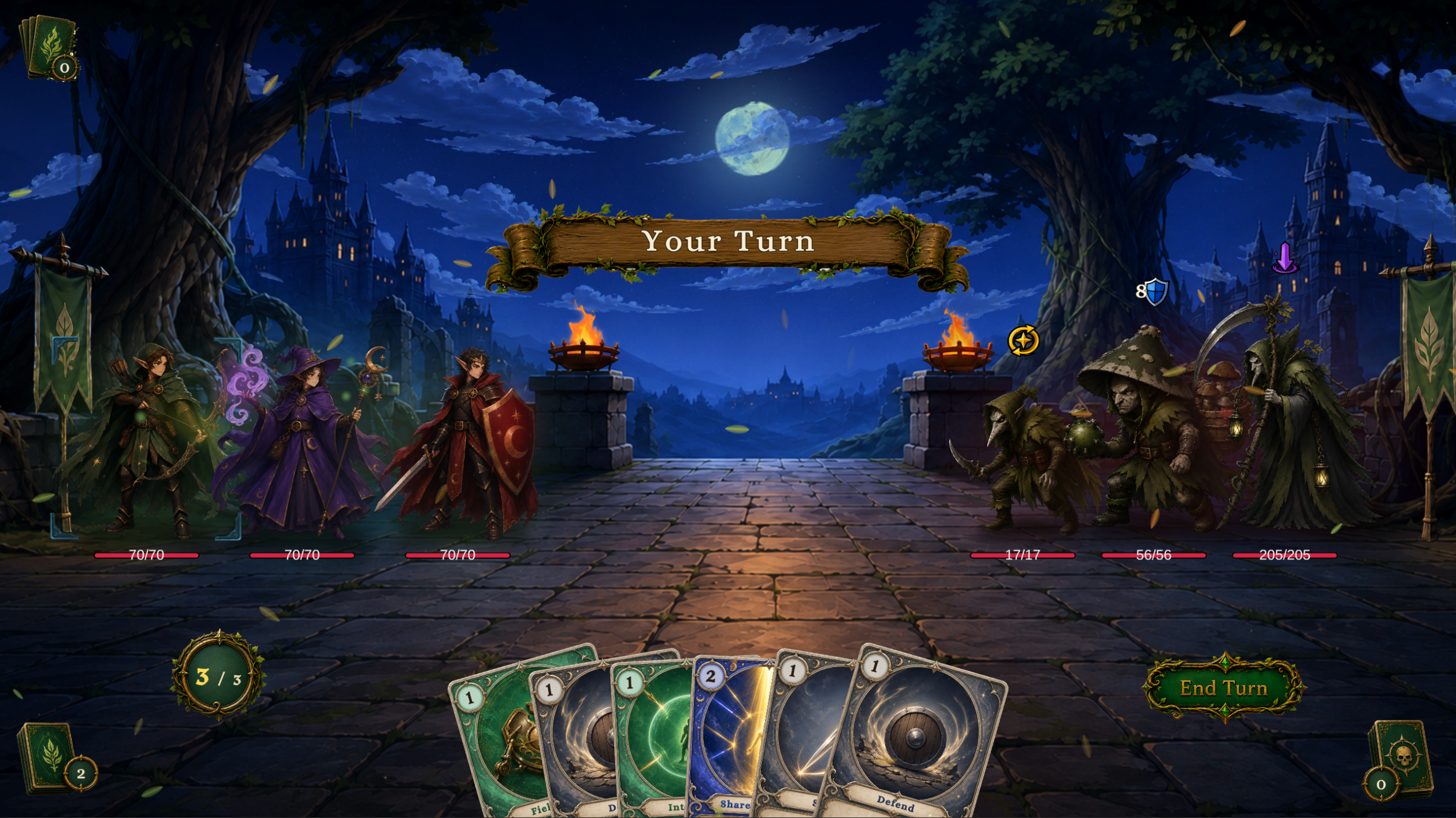
In Play Mode, click a living player to select it as Active Player, card affordability checks, energy display, and card Source use that player
Field Mend, Interpose, Shared Resolve, and Emergency Aid target a selected ally, another ally, all allies, and a random ally, attack cards allow the party to defeat enemies
The battle continues when one player dies and ends in defeat when all three die, Revive Unit can revive dead members who remain in the party
Use this battle to check slots, member selection, shared resources, independent HP and statuses, and ally targeting, test reinforcement, removal, and revival through runtime APIs or nodes
The six databases are under Demo/Databases/Multi-Character/, PartyEncounterDatabase stores the Encounter, see Player party for member identity and shared-resource rules
What each tier demonstrates
| Tier | Battle shape | Inspect it for |
|---|---|---|
| Normal | One low-HP enemy | Turn rhythm, card costs, piles, and intent resolution |
| Elite | Three enemies | Target selection, multi-enemy intents, and area effects |
| Boss | One high-HP enemy | Weighted intents, HP thresholds, summons, and longer behavior graphs |
| Party | Three players against three Hunter enemy instances | Player slots, active member, shared resources, ally targets, death, and revival |
Normal enemies start with 14 to 18 HP, Elite enemies with 50 to 70 HP, and Bosses with 180 to 240 HP. Each class also has one Summon-tier enemy that enters through the Spawn Unit node: Stitched Hound, Hex Hound, Bog Polyp, or Stringed Squire
Run a demo scene
-
Open a single-character scene from
Demo/Scenes/Single-Character/<Class>/, or openDemo/Scenes/Multi-Character/Party Showcase.unity -
Enter Play Mode.
-
Confirm the player unit, enemy intent icons, hand, energy display, and End Turn button are visible.
-
Play cards, end the turn, and watch the enemy intents resolve.
-
Open Game Card Monitor and inspect piles, units, phases, and FlowGraph execution records.
Tools > TinyGiants > GCS > Game Card Monitor
If no battle starts, first check the scene Bootstrap, Manager, Default Encounter, and Console. Use that evidence to return to the relevant database or content asset